8 Best Noise-Canceling Headset for Work in 2026: Calls That Stay

How to choose a noise-canceling headset for work that keeps your voice clear, blocks background noise, and stays connected on every call.

Not every 'noise-canceling' work headset solves the same problem. Many listings advertise ENC, which filters background noise from your microphone so callers hear you clearly; ANC blocks sound inside your own ears. Buyers who don't know the difference end up with the wrong tool and think the product underdelivered.

There is also a trade-off between wireless convenience and call reliability. Bluetooth headsets let you stand up and switch from laptop to phone, but disconnects and mute-button problems are the main reliability risks on popular models. Wired USB headsets remove that risk but tether you to your desk. This guide sorts headsets by which trade-off matters more for your day.

The result: specific picks for remote meeting-heavy workers, call-center users, and budget buyers who need clear calls today, not a feature list that sounds good in the box.

About the Sound Score: This comparative score is calculated from a product's published customer rating and review volume. It is not a laboratory measurement or a hands-on test result.

1

Best Overall

Angteela M112 ANC Wireless

87 /100
Sound Score Excellent

Key details

Connectivity
BT 5.4 + dongle, dual
Comfort & Weight
Over-ear, adjustable
Battery / Charging
35h talk, 50h music
Mic Noise Canceling
Hybrid ANC + ENC
View on Amazon

The M112 pairs hybrid ANC for the listener with an ENC boom mic for the caller, so a single headset handles the two noise problems that make work calls tiring. The physical flip-to-mute boom is the standout control: raising the mic cuts audio instantly, which removes the need to hunt for a mute button in a crowded meeting. Wireless setup is equally low-effort, with Bluetooth 5.4 and a USB-A dongle that connects to a laptop and a phone at the same time. It makes the start of a meeting feel less like troubleshooting.

Call audio holds up in the spaces remote workers actually occupy: a cafe with espresso machines, a home office with a fan, or a shared room with someone else on a call. The ENC mic reduces background noise on the receiving end, and the 270-degree boom rotates so you can wear the mic on either side. Battery life is rated at 35 hours of talk time and 50 hours of music, which removes charging anxiety from a normal meeting-heavy week. That is a practical margin for a wireless work headset.

This is built for remote and hybrid workers on Zoom or Teams, call-center agents who need mute privacy, and professionals who want one headset for a laptop and phone. The ANC is effective but not premium-grade: loud office voices can still bleed in, so the M112 suits a typical home office or a quiet office more than a crowded open plan. Audio leans toward speech clarity rather than music detail, so this is a work tool first.

The M112 spends its mid-range budget on the features that get used during every call: dual noise control, a physical mute, and dual wireless paths. Compared with the charging-base models in this roundup, it skips the desk cradle and the extra cost that can come with a base. There is no enterprise certification sticker, but the practical call toolkit is complete for everyday professional use. The priority is clear: call handling, not desk clutter.

The flip-to-mute boom works on any calling app because the mute happens at the hardware level, not inside Zoom or Teams. That detail matters when a client asks a direct question and you need the mic off without scrolling for a control. The boom's 270-degree rotation also means the headset works for left- or right-side wear. It is the kind of control that keeps a call professional when your hands are busy with notes.

💡 Position the boom near your mouth in noisy rooms; the ENC's background rejection depends on mic placement.

Pros

  • Callers hear your voice clearly in noisy rooms while the ENC mic holds back background noise.
  • Bluetooth and the USB dongle handle a laptop and a phone at once, so switching between devices is simple.
  • Hybrid ANC reduces office hum for the listener, and the ENC boom cleans up the caller's side.
  • Battery life covers long meeting days, and the mid-range price keeps the overall value strong.

Cons

  • ANC performance is tuned for moderate noise, not full-seal isolation.
  • Occasional mic and Bluetooth hiccups can interrupt a call.
Our verdict

For remote and call-center professionals, the M112 pairs hybrid ANC with a true flip-to-mute and dual-device wireless at a price that keeps enterprise features from turning into enterprise cost.
Check Latest Price
2

Best Battery & Charging Base

Mopchnic DH18 Wireless

86 /100
Sound Score Excellent

Key details

Connectivity
BT 5.3 + dongle, dual
Comfort & Weight
On-ear, lightweight
Battery / Charging
50h talk, 80h music
Mic Noise Canceling
ENC boom mic
View on Amazon

The Mopchnic DH18 makes power the defining feature: a desk charging base keeps the headset topped up between calls, and the battery holds 50 hours of talk time before it needs another dock. For a call-center shift that runs eight to ten hours, that translates into multiple days between charges.

Call quality is the second strength. The ENC boom rotates 270 degrees and filters background noise for the person on the other end, while Bluetooth 5.3 plus the USB dongle supports dual pairing between a PC and a phone. That combination covers the typical remote-work setup: a stable connection to the computer plus a phone that doesn't require re-pairing.

This is for remote and call-center workers who spend full days in calls and want battery measured in days, not hours. If blocking your own office noise matters, note that ENC is a microphone filter, not an over-ear ANC system: your ears will still hear the room around you. Anyone who needs the headset itself to silence a loud office should look at the hybrid-ANC headset in this lineup instead.

💡 Park the headset on the charging base when you step away; the 50-hour battery handles a full day even if you forget once.

Pros

  • Clear call audio on both ends keeps conversations moving without repeated asks.
  • Desk charging base plus 50-hour talk time means the headset is ready whenever the next call lands.
  • The 270-degree ENC boom cuts background noise for the person on the other end.
  • Bluetooth 5.3 and the USB dongle keep a PC and phone paired at the same time.

Cons

  • The charging base is another desk component; moving between workstations means moving the base too.
  • Wireless-only operation leaves no wired fallback if the battery is empty mid-call.
Our verdict

Keep the base within reach, and the DH18 is the last thing you think about during a workday.

Check Latest Price
3

Best Budget Wired

Logitech H390 USB Headset

88 /100
Sound Score Excellent

Key details

Connectivity
Wired USB-A
Comfort & Weight
On-ear, 6.23ft cable
Battery / Charging
No battery
Mic Noise Canceling
Noise-canceling mic
View on Amazon

The H390 is a wired USB headset that skips wireless pairing entirely: plug the USB-A connector into a PC, Mac, or Chromebook and it immediately becomes the default audio device for meeting apps. The boom mic rotates out of the way when not in use, and sound is clear and loud enough for conference calls and music playback.

This is the right fit for budget remote workers, students, and Chromebook users who take occasional meetings rather than eight-hour call-center shifts. The on-ear design and headband clamp create noticeable pressure over time, so full-day wear can become uncomfortable — a boundary to weigh if you plan to live in the headset.

The 6.23-foot cable reaches comfortably across a standard desk, and the rotating boom tucks out of the way between meetings. The H390 stays plugged in and ready, which suits a daily meeting routine.

Pros

  • Clear, loud sound for calls and music without added hiss.
  • USB-A plug-and-play works on PC, Mac, and Chromebook with no driver setup.
  • Rotating boom mic and 6.23-foot cable fit a typical home-office desk.

Cons

  • Plastic headband hinge may show stress in some cases under heavy daily use.
  • The noise-canceling mic is basic and can pick up loud background voices in busy rooms.
Our verdict

For occasional-to-moderate meeting use, this Logitech headset is the low-fuss wired option that gets the job done.

Check Latest Price
4

Best All-Day Comfort

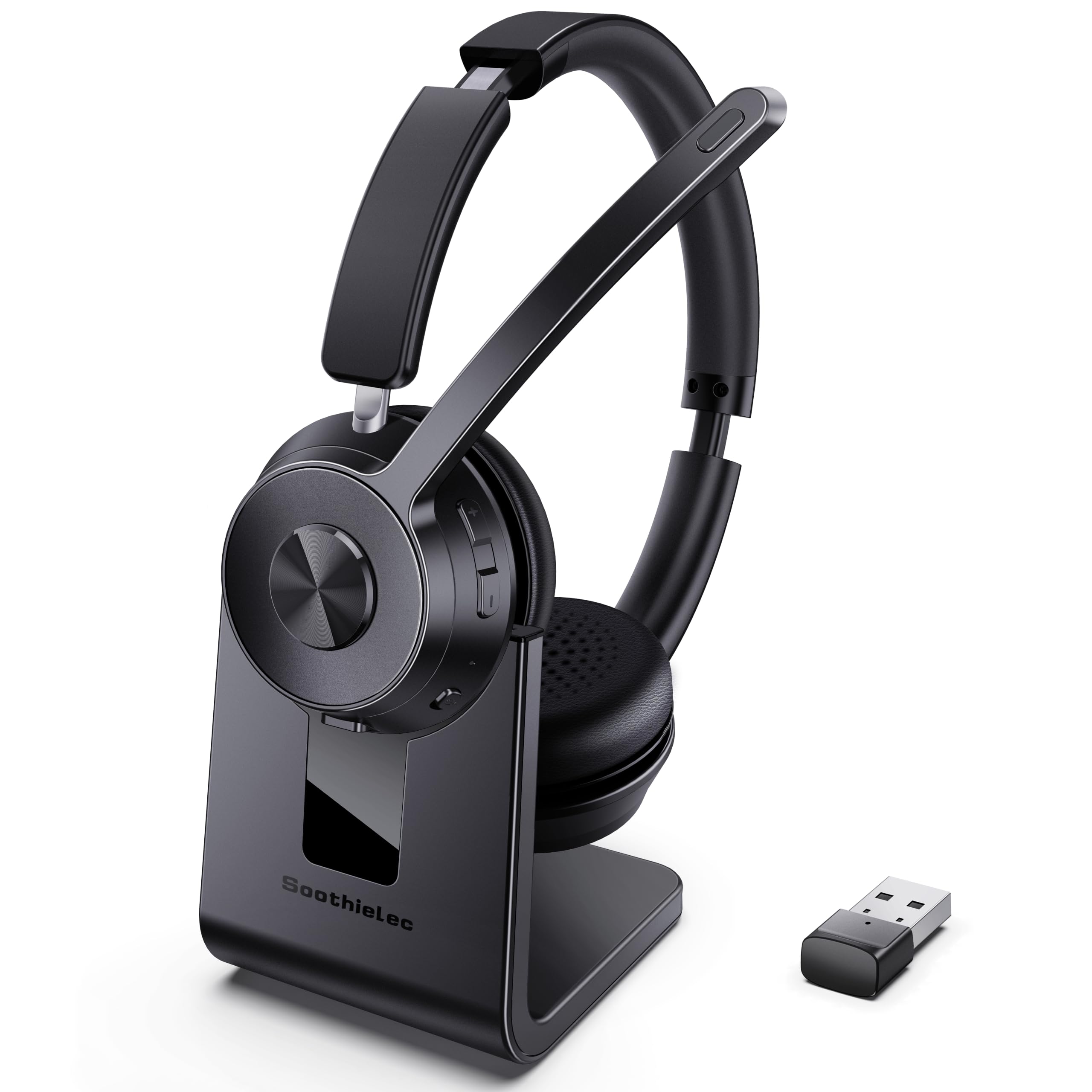
Soothielec KH53 Wireless

87 /100
Sound Score Excellent

Key details

Connectivity
BT 5.3 + dongle, dual
Comfort & Weight
On-ear, memory foam
Battery / Charging
40h talk time
Mic Noise Canceling
ENC boom mic
View on Amazon

The Soothielec KH53 Wireless is built around long-call comfort rather than maximum noise isolation. Memory-foam earcups, a charging stand, and dual-device pairing put it at the center of a hybrid workspace where workers move between laptop and phone without stopping to reconnect. Bluetooth 5.3 and the included USB-A dongle handle the connection side, so a laptop call can roll into a phone call without a cable shuffle.

Call clarity is clear, and the ENC boom mic filters common background noise before it reaches the other person. For online meetings and client calls in moderate office conditions, that matters more than most spec sheets suggest. The charging stand reinforces the same routine: the headset stays topped up between calls, turning a long talk time into a simple daily habit rather than a battery anxiety.

This suits call-heavy remote workers who want one wireless headset for both a computer and a phone, and who prefer a soft on-ear feel over a heavier over-ear clamp. It is a comfort-first choice rather than a do-everything headset, which keeps the recommendation focused: if your priority is sitting through a long meeting block without your ears wearing out, this headset is the one to have on the desk.

💡 Dock the headset during breaks so the long talk time stays ahead of back-to-back calls.

Pros

  • Memory-foam earcups support long call blocks without the usual on-ear pressure.
  • Callers hear clear voice quality through a boom mic that filters background chatter.
  • The charging stand keeps the headset ready between calls, backed by long talk time.
  • Bluetooth 5.3 and the USB-A dongle make laptop-to-phone switching straightforward.

Cons

  • The USB dongle targets computers, so desk-phone call-center systems will need a wired headset.
  • The on-ear design leaves your own office noise audible; the cancellation is for the mic, not for your ears.
Our verdict

If your workday lives on a laptop and phone, this is the comfort-first wireless headset to keep on the desk.

Check Latest Price
5

Best Teams-Certified Premium

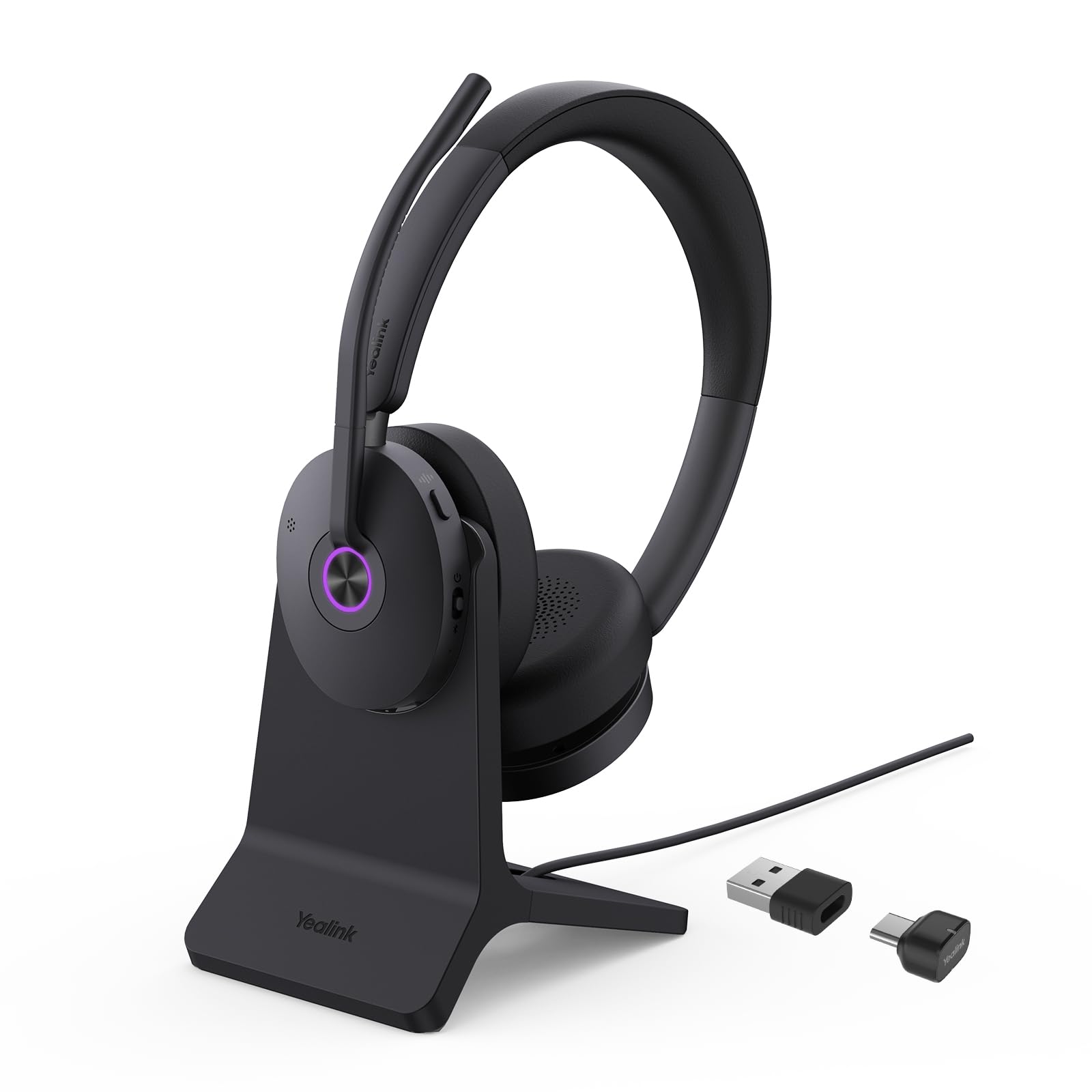
Yealink BH74 Pro Wireless

80 /100
Sound Score Excellent

Key details

Connectivity
BT 5.3 + dongle, dual
Comfort & Weight
On-ear, 152g
Battery / Charging
32h talk, 65h music
Mic Noise Canceling
Hybrid ANC + 6 mics
View on Amazon

The BH74 is the premium enterprise option here for Microsoft Teams environments that require certified call control. It carries Teams Premium Open Office certification, so the busy light, mute status, and call controls behave natively on the platform. Hybrid ANC takes care of the listener's side, while six AI mics keep the speaker clear on the other end — a combination that covers both directions of a conference call. Where the older traveler-focused premium headset emphasizes battery range and travel comfort, this one steers the same price bracket toward unified-communication features.

At a desk, the hybrid ANC handles HVAC hum and distant office chatter without making voices sound hollow. The six AI mics separate speech from background noise well enough that callers hear the presentation, not the open plan behind it. Flip-to-mute and the busy light are simple controls that pay off during back-to-back meetings, and the 32-hour talk-time battery plus fast-charge cushion leaves little room for battery anxiety.

Best for enterprise users who live inside Microsoft Teams and want the full certified experience, plus hybrid ANC on both ends of the call. It is premium-priced, so casual home-office buyers will get more value from the mid-range product at the top of this list. Build-level QC can vary between units, so a quick on-arrival check is a reasonable step before standardizing a deployment.

💡 Use the USB-C/A dongle for meeting-critical calls; Bluetooth is fine for lighter listening.

Pros

  • Call clarity is strong enough for meeting-heavy schedules, and the six AI mics separate speech from room noise.
  • Hybrid ANC tames office hum while the mic side keeps callers free of background chatter.
  • Lightweight on-ear frame with Teams certification, flip-to-mute, and a busy light for open offices.

Cons

  • Earcup pad can separate from the housing in some units; inspect before full deployment.
Our verdict

For a Teams-centric office, the BH74 is the certified route to clearer calls and a busy light that actually means something.

Check Latest Price
6

Best Budget Wired for Mic Clarity

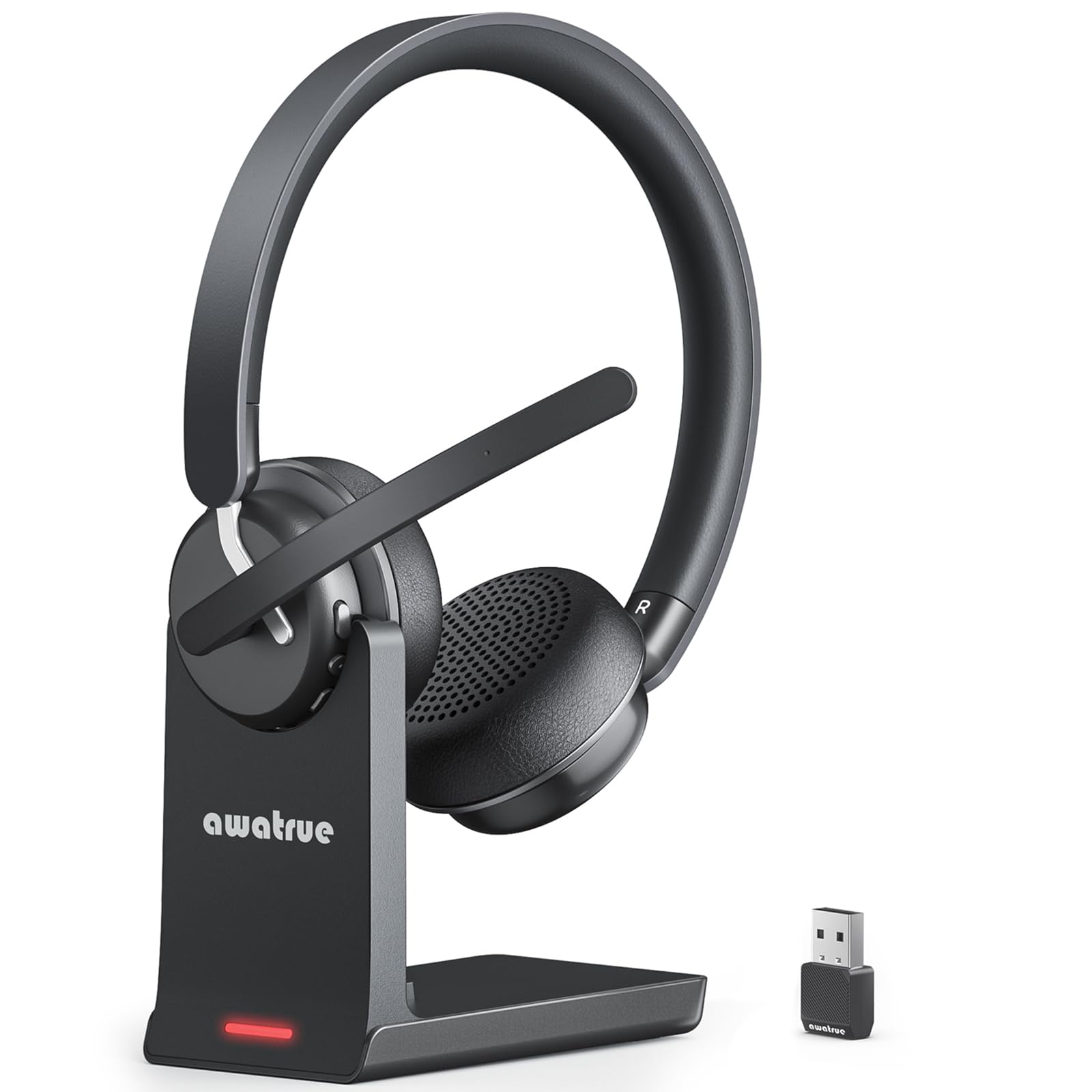
awatrue EH05-U USB

85 /100
Sound Score Excellent

Key details

Connectivity
Wired USB-A
Comfort & Weight
On-ear, 4oz, steel headband
Battery / Charging
No battery
Mic Noise Canceling
Noise-canceling boom mic
View on Amazon

The EH05-U keeps the call stack simple: USB-A plug-and-play, in-line volume and mute controls, and a boom mic that filters background chatter on the caller's side. It skips the wireless flexibility and charging base of the same lineup's wireless model in exchange for a lighter 4oz frame and a steel-reinforced headband. For anyone tired of Bluetooth pairing and battery anxiety, this is the kind of headset that just works when plugged in.

Sound clarity is strong for the price, with a balanced tone that carries well on calls and media. The mic's noise rejection works from the caller's side: keyboard clatter and household hum fade out, letting your voice stay the focus. The flexible boom arm stays put without constant readjustment. Despite the light weight, the frame feels sturdy without bulk.

This headset suits budget call-center and remote workers who want a wired USB connection and don't need wireless freedom. It also fits parents taking calls at home who want the caller to hear less background noise. Buyers with sensitive ears, or those who plan eight-hour wear without a pause, should look elsewhere; close-range loud noises can still come through the mic.

💡 Position the boom close to your mouth to get full benefit from the noise-canceling mic.

Pros

  • Clear sound for calls and media with a balanced profile that stays easy to listen to.
  • Noise-canceling boom mic suppresses background chatter so callers hear your voice more clearly.
  • Light 4oz build keeps long calls comfortable without adding head weight.
  • Budget-friendly price with a sturdy frame that holds up in daily desk use.

Cons

  • Pressure around the ears can build up during long sessions, so pause periodically.
  • Close-range loud noises can still reach the mic despite the noise-canceling boom.
Our verdict

A light wired USB headset that stays out of the way on call-heavy days; budget-minded remote workers get clear mic performance without wireless complexity.

Check Latest Price
7

Budget Wireless Workers

awatrue EH11 Wireless

82 /100
Sound Score Excellent

Key details

Connectivity
BT 5.3 + dongle, dual
Comfort & Weight
On-ear, 40mm drivers
Battery / Charging
30h talk time
Mic Noise Canceling
ENC boom mic
View on Amazon

The awatrue EH11 pairs Bluetooth 5.3 with a USB dongle and a charging base, so switching between a PC and phone during a workday is simple. The ENC boom cleans up background noise on your end, and the padded on-ear fit holds up through long meetings. For remote workers who want clean call audio without jumping to mid-tier pricing, this is an easy fit. The 30-hour talk time still covers full workdays, though battery capacity trails the longest-lasting models in this group. It is a convenience-first wireless headset, not a mission-critical call device.

Pros

  • Clear call audio with strong mic pickup on the other end.
  • ENC filters background noise so callers hear less office chatter.
  • Padded on-ear fit stays comfortable through long meeting blocks.

Cons

  • No active noise cancellation for your own ears; the ENC is on the microphone only.
  • Bluetooth connection can drop and require a reconnect mid-session.
Our verdict

Choose the awatrue EH11 for a work-from-home setup that values the charging dock and dual-device switching more than ear-level noise cancellation.

Check Latest Price
8

Lenovo Laptop Users

Lenovo USB-A Headset

86 /100
Sound Score Excellent

Key details

Connectivity
Wired USB-A
Comfort & Weight
On-ear, 140g
Battery / Charging
No battery
Mic Noise Canceling
AI ENC via app
View on Amazon

The Lenovo USB-A headset is a 140g wired option with replaceable earcups, a double-sided boom mic, and a 2-year warranty. Its AI noise-canceling mic uses Lenovo's app to reduce background voices during calls, and the USB-A connection works as soon as it is plugged in. The featherweight frame keeps long meeting blocks comfortable.

Best for Lenovo laptop users and weight-sensitive professionals who want a wired USB-A headset for remote meetings. It is not for buyers who need Bluetooth or a wireless dongle; USB-A is the only connection. Its narrower appeal — lightweight Lenovo compatibility — keeps it from being a broad category leader.

Pros

  • Featherweight 140g build keeps long meeting blocks comfortable.
  • USB-A plug-and-play setup works without extra configuration.
  • AI noise-canceling mic reduces background voices during calls.

Cons

  • The double-sided boom does not rotate a full 270 degrees, limiting precise positioning for users who want a swivel arm.
  • AI ENC cleans the microphone side of the call, not your own ears, so office chatter remains audible.
Our verdict

For Lenovo laptop users who want a light wired headset for daily meetings, this budget-friendly option fits well — just keep it plugged into a USB-A port.

Check Latest Price

How to Choose

Choose Mic Noise Canceling

ENC (environmental noise cancellation) subtracts background sound from your voice signal. It is the feature that matters when you take calls in a coffee shop or a shared room.

ANC (active noise cancellation) cancels ambient noise before it reaches your ears. It is the feature that matters for focus in an open office. The trade-off is that ENC handles steady hum well but does not reliably remove a nearby voice, so a boom mic close to your mouth is still the best defense against background chatter.

Connectivity and Call Stability

Wired USB headsets are the safest option for meetings that cannot drop. There is no pairing, no battery, and no radio interference; the connection works as long as the cable is intact.

Bluetooth and USB-dongle headsets add freedom, but every wireless model can lose the connection when interference, power management, or multipoint switching misbehaves. A USB dongle is usually more stable than plain Bluetooth, but neither is as deterministic as a wire.

Battery Life and Charging

Talk time matters more than music playback time because the microphone stays active for the entire call. Figures like 40 to 50 hours assume moderate volume and no constant ANC, so expect less in real use.

Charging bases and stands reduce the friction of remembering a cable, but the built-in battery is a consumable part. A headset that lasts 50 hours new can become unreliable after a few hundred charge cycles, so wired headsets remain the low-maintenance choice.

Comfort and Weight

On-ear headsets press against the cartilage of your ears, while over-ear models distribute pressure around them. That is why the same battery claim can feel different at hour five depending on ear-cup style and clamping force.

Weight matters less than pressure distribution. A 140g on-ear headset can still create a hot spot, while a heavier over-ear with memory foam may disappear on your head. On budget models, a metal-reinforced headband is a stronger sign of longevity than a plush pad.

Certifications and Mute Controls

Teams or Zoom certification means the headset passed platform-specific call-quality tests and the mute and call buttons behave predictably in the app. Corporate IT departments often require it.

Mute controls are a reliability issue, not a convenience issue. A mute switch that stops working can end a call or make a private conversation audible. A physical flip-to-mute boom is less likely to malfunction than a touch control.

Frequently Asked Questions