7 Best 61-Key MIDI Controller of 2026: Match Your DAW Workflow

Find the 61-key MIDI controller that matches your DAW and playing style, so pads, faders, and keys speed up your workflow rather than adding setup time.

A 61-key controller splits the difference between a portable 25-key board and a full 88-key slab. On paper, most models look interchangeable. The real differences show up once everything is plugged in: how naturally the DAW responds, how the keys feel when you play a chord, and whether the controls match the way you make music.

Marketing leans hard on bundled software and 'semi-weighted' claims. In practice, a controller built around one DAW can feel like an extension of that program, while the same board is just another generic MIDI surface elsewhere. Key feel also varies widely between brands, and light synth action is more common than the spec sheets suggest.

The real decision is between deep integration in one DAW and broad compatibility across several. Staying in one program favors a dedicated workflow; moving between DAWs favors universal support and a solid keybed. That distinction matters more than a long list of pads and faders.

About the Sound Score: This comparative score is calculated from a product's published customer rating and review volume. It is not a laboratory measurement or a hands-on test result.

1

Best Overall

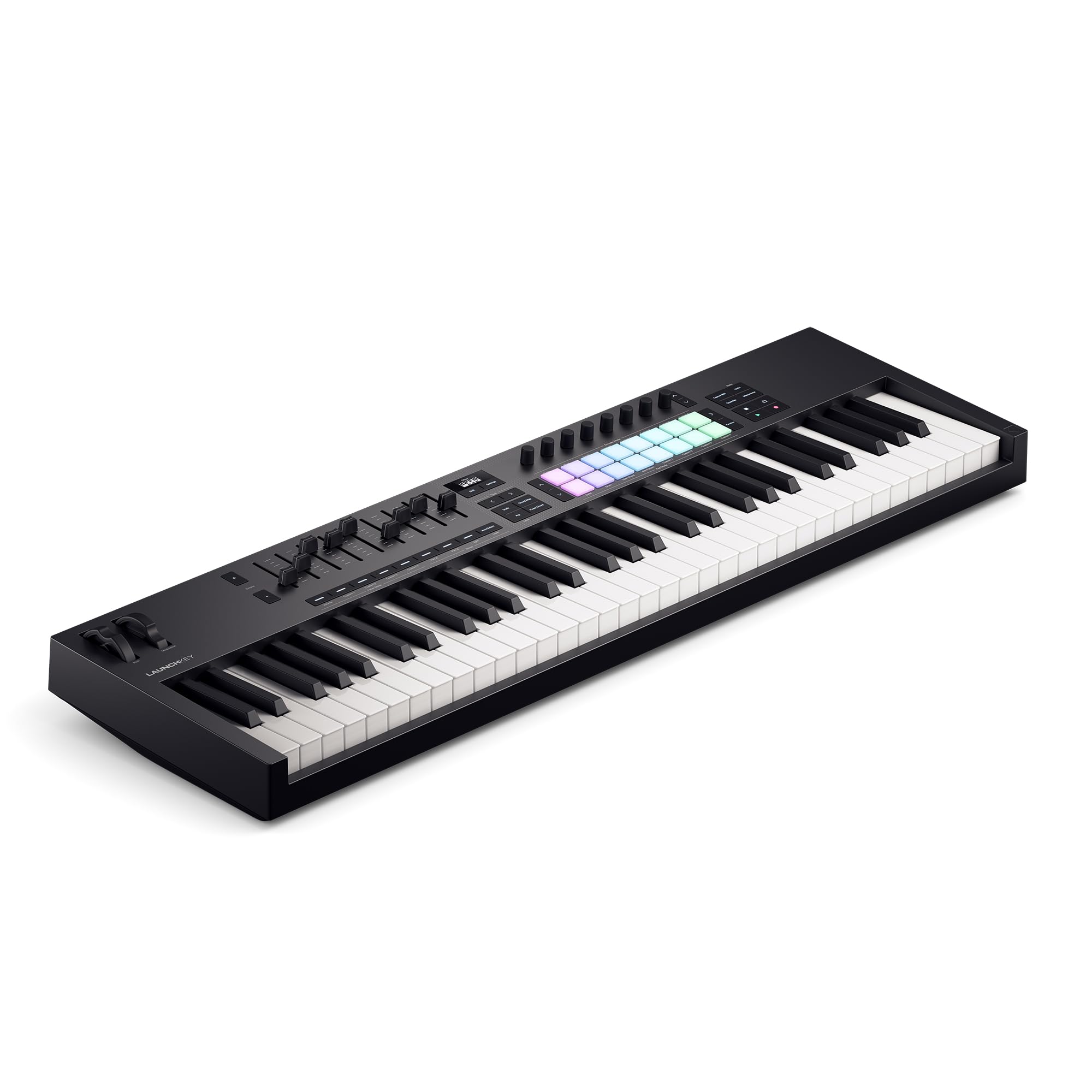
Novation Launchkey 61 MK4

90 /100
Sound Score Outstanding

Key details

Controls
16 FSR pads, 9 faders
Key Action
Semi-weighted keys
Connectivity
DAW Integration
Ableton, Logic, Cubase, FL Studio
View on Amazon

The Launchkey 61 MK4 combines a semi-weighted keybed, FSR pads with polyphonic aftertouch, nine faders, and custom DAW scripts for Ableton, Logic, Cubase, FL Studio, Reason, Reaper, and Ardour. Unlike FL Studio-specific controllers, it treats these programs as full partners, so producers who switch DAWs keep their transport and mixer controls. The pads respond to pressure beyond the first touch, which makes drum and chord work more expressive than plain velocity pads. Scale and chord modes are practical creative tools rather than spec-sheet extras. This is a full production surface, not just a keyboard.

In Ableton and Cubase, the controls map cleanly and the keybed feels solid for long sessions. The controller behaves predictably across projects, so sessions stay focused on music rather than remapping. The nine faders are useful in mixer-heavy work, and the OLED display keeps mode changes legible without menu hunting.

Producers working across multiple DAWs get the full value; beginners also have room to grow into the pads and scale modes. There is no printed manual in the box, and the connection may need a USB re-plug after the computer wakes from sleep.

Pros

  • Solid build quality holds up in daily studio use.
  • Scale and chord modes plus DAW controls add creative value beyond basic transport.
  • Custom scripts keep transport and mixer mapping intact across major DAWs.

Cons

  • The premium price sits above entry-level budgets.
  • The dense feature set needs a dedicated setup session before the controls feel fluent.
Our verdict

For multi-DAW producers who want one playable control surface with a semi-weighted keybed and expressive pads, this is the daily driver.
Check Latest Price
2

Best for FL Studio

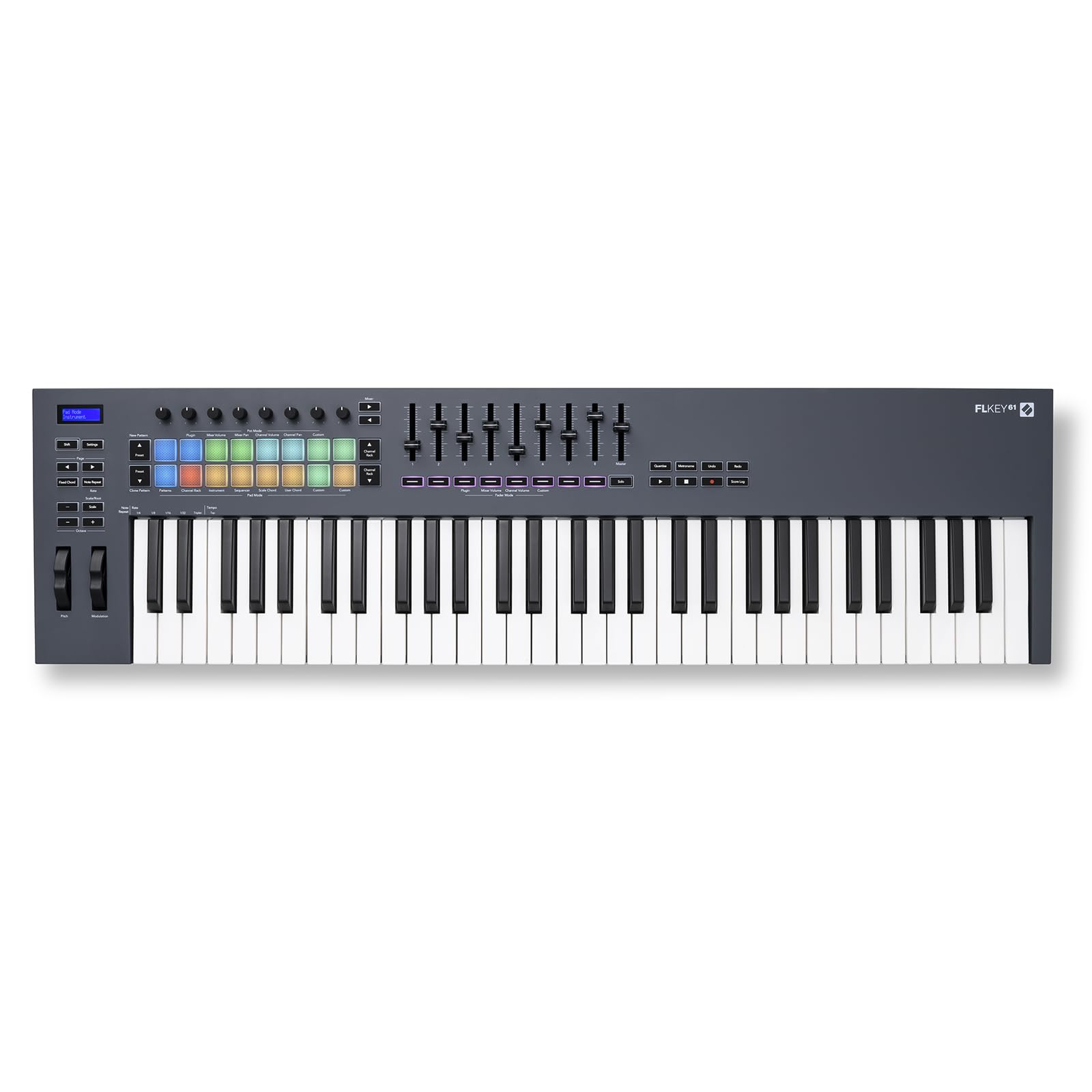
Novation FLkey 61

93 /100
Sound Score Outstanding

Key details

Controls
16 pads, 9 faders
Key Action
Semi-weighted keys
Connectivity
USB-C, 5-pin MIDI out
DAW Integration
FL Studio-specific
View on Amazon

The FLkey 61 is built around FL Studio: faders control mixer levels, encoders adjust channel settings, and pads drive the step sequencer without reaching for the mouse. The 61 semi-weighted keys, 16 pads, and 5-pin MIDI out make it a complete production surface, and the build holds up under regular use.

This controller rewards producers who live in FL Studio and want mouse-free access to the mixer, channel rack, and step sequencer. There is no standby switch, so the keyboard draws power whenever USB is connected; a switched hub or unplugging it between sessions handles that.

Pros

  • Deep FL Studio integration maps mixer, channel rack, and step sequencer to faders, encoders, and pads.
  • Solid build quality holds up in a working studio with 61 semi-weighted keys and 5-pin MIDI out.
  • Strong value for FL Studio producers who want a dedicated hands-on production surface.

Cons

  • Outside FL Studio the deep DAW mapping disappears and it behaves as a generic MIDI controller.
Our verdict

For a studio centered on FL Studio, this is the controller that brings the mixer, channel rack, and step sequencer onto the desk.

Check Latest Price
3

Best Production Workhorse

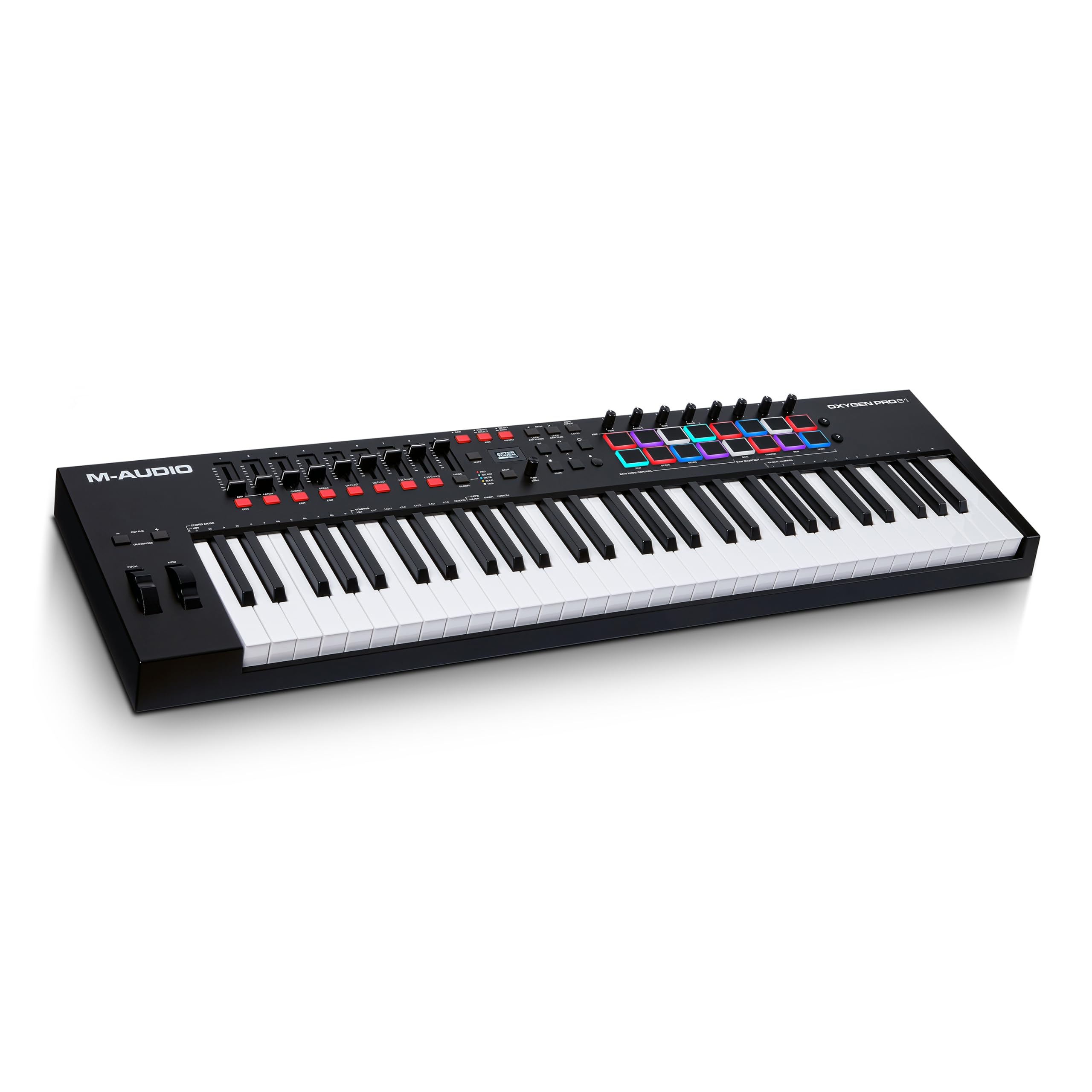
M-Audio Oxygen Pro 61

89 /100
Sound Score Excellent

Key details

Controls
16 pads, 9 faders
Key Action
Semi-weighted, aftertouch
Connectivity
USB, 5-pin MIDI out
DAW Integration
NKS support, generic MIDI
View on Amazon

Aftertouch keys, 16 RGB pads, nine faders, NKS support, and 5-pin MIDI out give the Oxygen Pro 61 the densest control surface in this 61-key set. The chassis feels sturdy, the key bed is pleasant to play, and the pads and faders move smoothly during long sessions. The price undercuts full-featured rivals with a similar control set.

This suits producers who want a hands-on surface for beat-making, hardware synth control, and NKS-compatible plugins. Studio sessions that mix software instruments and hardware synths benefit directly. It is not for buyers who need zero-hassle plug-and-play across DAWs or smooth, light aftertouch for expressive leads.

💡 Create a DAW template that maps the Oxygen Pro's faders and pads before a live session.

Pros

  • Sturdy construction and smooth key, pad, and fader feel support sustained studio work.
  • Aftertouch, 16 RGB pads, nine faders, NKS support, and 5-pin MIDI out cover a full production workflow.
  • Priced below full-production rivals, the Oxygen Pro delivers strong value for a dense feature set.

Cons

  • Aftertouch can be stiff enough that expressive lead lines require deliberate pressure.
  • DAW connectivity and deep mapping can be inconsistent across setups, so expect some manual configuration.
Our verdict

For producers who want aftertouch, NKS support, and hardware MIDI out without paying flagship prices, the Oxygen Pro 61 is the value pick.

Check Latest Price
4

Best Software Bundle

Arturia KeyLab Essential mk3

86 /100
Sound Score Excellent

Key details

Controls
8 pads, 9 faders
Key Action
Synth-action keys
Connectivity
DAW Integration
Custom scripts, major DAWs
View on Amazon

Analog Lab V and two polished grand pianos make this a controller for playing and writing, not just launching clips. Eight pads, nine faders, nine encoders, and the 2.5-inch LCD cover a lot of ground, while custom DAW scripts reduce setup time. Scale and chord modes turn quick ideas into usable sketches.

This works best for songwriters and producers who want Arturia's instruments front and center. The light synth-action keybed is the tradeoff to accept; players expecting a heavier piano feel should compare with semi-weighted rivals. If your main goal is a general-purpose control surface, this is not that product.

💡 Keep Analog Lab V as the center of your setup, since the hardware is tuned to Arturia's instruments.

Pros

  • Analog Lab V and two grand pianos make this a complete playable setup out of the box.
  • Beginners and intermediates get a full hands-on layout without adding a separate control surface.
  • Arturia software integration maps cleanly to Analog Lab V and major DAWs.

Cons

  • Expressive aftertouch is absent, so lead and pad playing stays velocity-only.
Our verdict

The KeyLab Essential mk3 is the right pick when your workflow starts inside Analog Lab V; songwriters who want the included sounds and fast sketch tools get the most from it.

Check Latest Price
5

Best Budget Pick

Nektar Impact GX61

92 /100
Sound Score Outstanding

Key details

Controls
14 buttons, pitch/mod wheels
Key Action
Synth-action keys
Connectivity
USB bus-powered, iOS
DAW Integration
Nektar DAW integration
View on Amazon

The Impact GX61 is a 61-key controller that leads with playability and practical extras: Nektar DAW integration, 14 assignable buttons, a sustain pedal, and a dust cover, all at an entry-level price. The synth-action keybed feels comfortable for piano-style parts and chord work, and the integration layer maps transport and common controls in Logic, Reason, Ableton, and similar DAWs. USB bus-power keeps setup to a single cable.

This profile suits budget-conscious keyboardists and composers who need a lightweight, travel-friendly board for keys and transport, not a beat-production surface. The honest boundary: no knobs, faders, drum pads, or 5-pin MIDI out. If your workflow depends on pads or hardware synth connections, a control surface with those ports is the better fit.

Pros

  • Strong value for the price: full 61 keys, assignable buttons, sustain pedal, and dust cover included.
  • Comfortable, responsive synth-action keybed for piano-style parts and chord work.
  • DAW integration maps transport and common controls in Logic, Reason, Ableton, and similar DAWs.

Cons

  • After heavy use, the keybed can feel lighter and less uniform.
Our verdict

For budget-focused keyboardists and composers, the Impact GX61 covers keys, transport, and practical extras at an entry-level price.

Check Latest Price
6

Simple Beginners

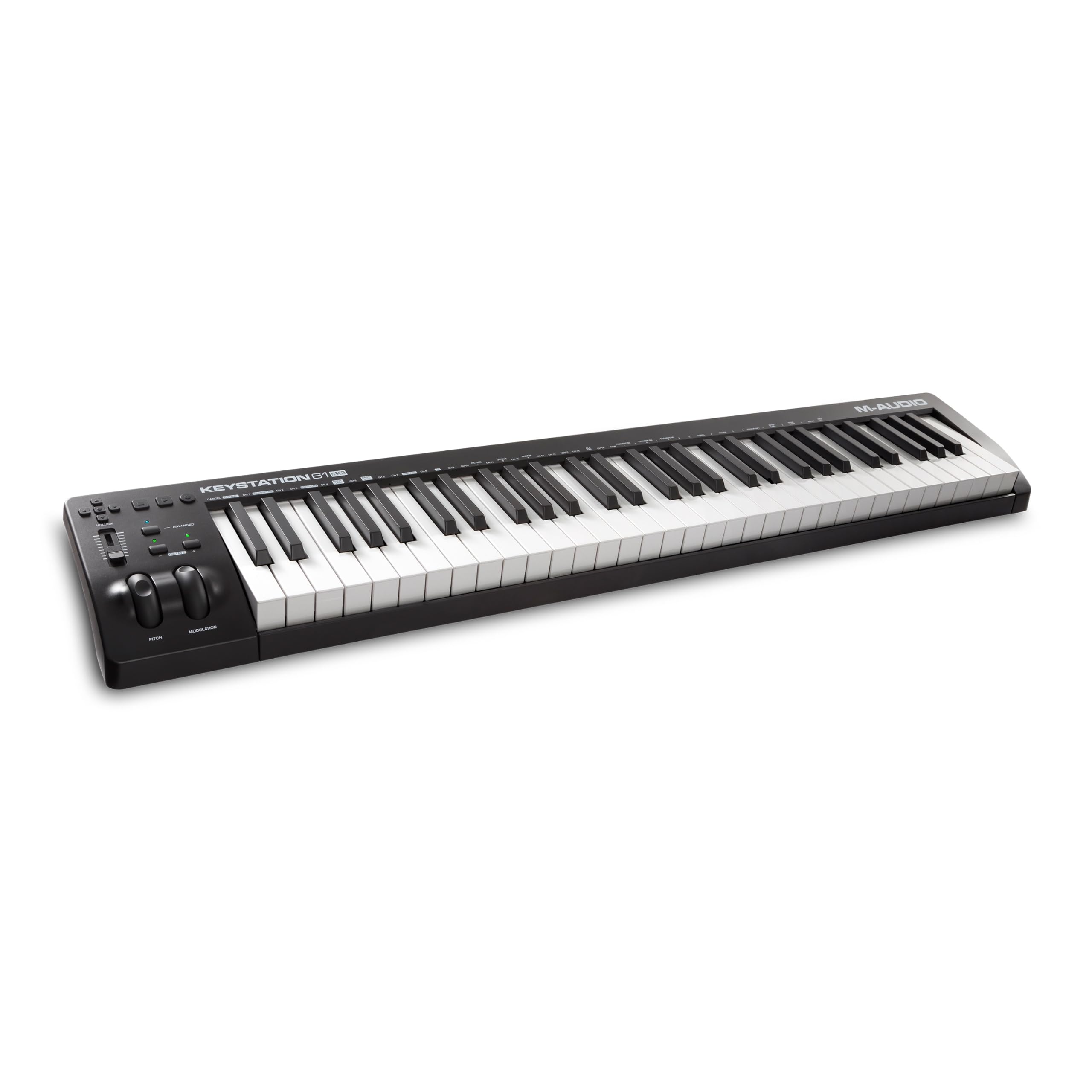
M-Audio Keystation 61 MK3

93 /100
Sound Score Outstanding

Key details

Controls
Pitch/mod wheels, volume fader
Key Action
Synth action, marketed semi-weighted
Connectivity
USB class-compliant, iOS
DAW Integration
View on Amazon

This 61-key controller covers the basics: class-compliant USB, a software bundle, and a slim body. The key action is marketed as semi-weighted but behaves like synth action, so players expecting piano weight may be disappointed. No pads or knobs means this isn't a production surface; the budget Nektar covers the same core for less. Build quality can vary between units.

Pros

  • Plug-and-play setup with Mac and PC removes driver and power supply hassle.
  • Bundled software suite adds a DAW and virtual instruments, giving a new controller immediate musical use.

Cons

  • Key action is lighter and springier than the semi-weighted label implies; players expecting piano weight may be disappointed.
Our verdict

If your workflow is centered on playing chords and melodies rather than mapping hardware, this controller does that essential job without adding setup friction.

Check Latest Price
7

Komplete Users

NI Komplete Kontrol A61

88 /100
Sound Score Excellent

Key details

Controls
8 knobs, OLED display
Key Action
Semi-weighted NI keybed
Connectivity
USB 2.0, standard MIDI
DAW Integration
Komplete Kontrol, Kontakt
View on Amazon

The A61 pairs a quality semi-weighted keybed with deep Komplete Kontrol/Kontakt integration for fast preset browsing. There are no drum pads, so beat-makers need separate hardware; the keybed may feel hollow or toy-like to players expecting heavier action. General DAW control is lighter than a dense production controller.

Pros

  • Semi-weighted key action suits players who want more resistance than typical synth keys.
  • DAW and NI software compatibility keeps the A61 usable across major studio setups.

Cons

  • No faders for mixer automation; the control surface is knob-focused.
Our verdict

The A61 suits players who work primarily inside the Komplete/Kontakt workflow and want satisfying key action.

Check Latest Price

How to Choose

Key Action

Synth-action keys use a spring-loaded mechanism that feels light. Semi-weighted keys add a metal weight to that mechanism, giving more resistance without the hammer action of a piano. This difference is easy to miss in photos and hard to ignore after an hour of playing.

A lighter action is faster for synth leads and less fatiguing, but can feel springy to piano players. Heavier semi-weighted actions suit chords and expressive playing. Aftertouch adds a pressure sensor, and a stiff sensor makes smooth expression difficult.

Control Surface

Pads, knobs, and faders only help when they map to functions you actually adjust. Faders control mixer levels, knobs adjust virtual instruments, and pads trigger drums or clips.

More controls create a layout trade-off. A board with 16 pads, eight knobs, and nine faders takes time to learn; a keys-and-buttons layout is easier but limited for beat-making. Match the surface to your usual tasks.

DAW Integration

DAW integration is a software mapping layer that lets the controller talk directly to mixer channels, transport, and instruments. A generic controller sends raw MIDI notes and control messages; an integrated controller uses scripts that translate fader movement into track volume or pan.

The hidden trade-off is depth versus breadth. A controller built around one DAW gives the deepest mouse-free workflow in that program but loses that mapping elsewhere. A universal controller with scripts for many DAWs works everywhere, usually with slightly less depth in any single one.

Software Bundle

Included software is real value, but it does not change the hardware. A large virtual instrument library can save a new producer money; a DAW lite version is only useful if you do not already own that DAW.

Treat the bundle as a discount on future software, not as a sign of controller quality. The same package can be a great deal for a beginner and weak for someone who already owns those programs.

Connectivity

USB class-compliance decides whether the keyboard is plug-and-play or needs vendor drivers. Class-compliant boards work across Mac, PC, and often iOS without extra software.

5-pin MIDI out matters if you connect hardware synths. USB bus power keeps the setup clean, but the keyboard can stay powered whenever the computer is on. If that bothers you, use a USB hub with port switches.

Frequently Asked Questions