9 Best MIDI Controller of 2026: Match Your DAW and Playing Style

The best MIDI controller for your setup depends on key size, DAW integration, and how you play — not just the pad-and-software bundle.

Most MIDI controller listings look similar on paper: 25 mini keys, eight pads, a few knobs, and a software bundle. The real decision comes down to portability versus playability. Mini keys make a controller easy to throw in a bag, but they can feel cramped for anyone playing chords or melodies seriously.

That trade-off explains why the most popular compact controllers are also the ones most often upgraded. The right MIDI controller is the one whose key size, pad feel, and DAW integration match how you actually produce, not the one with the most impressive spec sheet.

This guide sorts through those daily-use differences: full-size versus mini keys, pad response, fader control, and how cleanly the hardware connects to your DAW. If a controller needs constant setup or leaves you fighting the keys, it is the wrong tool for your workflow.

About the Sound Score: This comparative score is calculated from a product's published customer rating and review volume. It is not a laboratory measurement or a hands-on test result.

1

Best Overall

Akai MPK Mini MK3

93 /100
Sound Score Outstanding

Key details

Keys
25 mini velocity-sensitive
Drum Pads
8 MPC pads
Connectivity
USB 2.0 bus-powered
DAW / Software
NKS support
View on Amazon

The MPK Mini MK3 squeezes 25 mini velocity keys, 8 MPC-style pads, 8 assignable knobs, and an arpeggiator into a compact shell that holds up to regular travel. The pads respond cleanly to finger drumming, and the four-way thumbstick adds pitch and modulation control without enlarging the footprint.

First-time producers and beat makers get the strongest keys-pads-knobs balance at this price. Players used to full-size keys will find the mini keybed cramped, and the editor registration process can take time, so this is for people who value portability and control density over piano feel. It needs a computer or tablet for sound, so it won't replace a standalone synth.

Pros

  • Sturdy plastic shell handles being thrown into a bag without needing a padded case.
  • Clear first-controller layout that doesn't require a manual to find the basic controls.
  • Pads, keys, knobs, and arpeggiator at an entry-level price.

Cons

  • In some DAW and USB-port pairings, a reconnect may be needed before pads and keys respond.
  • An occasional unit may have a key that doesn't trigger; testing all keys on arrival is a sensible habit.
Our verdict

This is the compact controller to start with: enough controls for beat making and DAW control, small enough for a desk corner, and priced for a first budget.
Check Latest Price
2

Best Full-Size Keyboard Controller

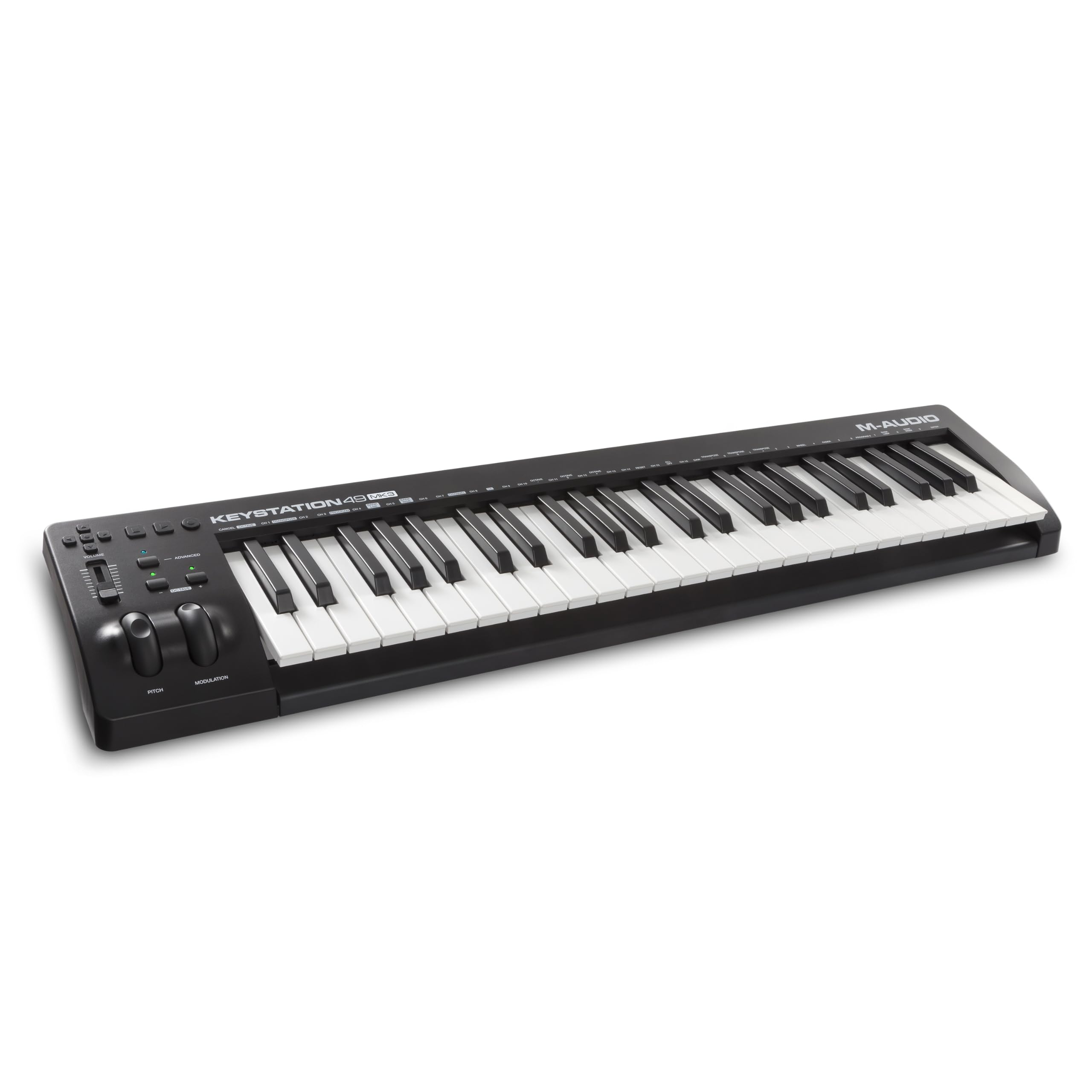
M-Audio Keystation 49 MK3

93 /100
Sound Score Outstanding

Key details

Keys
49 full-size velocity-sensitive
Drum Pads
Connectivity
USB plug-and-play
DAW / Software
MPC Beats, Live Lite, AIR
View on Amazon

The Keystation 49 MK3 gives keyboard-first players full-size velocity-sensitive keys, pitch/mod wheels, and transport buttons in a simple DAW-friendly layout. It includes MPC Beats, Ableton Live Lite, and AIR instruments, so a new producer can start immediately. A USB connection handles DAWs without extra driver setup. The no-pads, no-deep-control design is a boundary: singer-songwriters and pianists who want a familiar playing surface get exactly that, while beat makers needing finger drumming or knob-heavy automation should look at a compact pad controller. The plastic chassis is light, which keeps the footprint small.

Pros

  • Full-size velocity-sensitive keys preserve a familiar piano feel without a large desk footprint.
  • Cost-effective for keyboard-first players who would skip pads and knobs anyway.
  • Simple USB connection works across DAWs with minimal setup.

Cons

  • Synth-action keys can feel light and plasticky to players expecting piano-like resistance.
Our verdict

For keyboard-first producers, the Keystation 49 MK3 is the practical choice when a piano-style playing surface matters more than hands-on automation.

Check Latest Price
3

Best for Synth & Modular Flexibility

Akai MPK Mini Plus

92 /100
Sound Score Outstanding

Key details

Keys
37 mini velocity-sensitive
Drum Pads
8 RGB pads
Connectivity
USB, MIDI I/O, CV/Gate
DAW / Software
View on Amazon

The MPK Mini Plus is the expanded version of the 25-key MPK, keeping the 8 MPC pads and 8 knobs while adding MIDI I/O, CV/Gate, and a 64-step sequencer. Synth and modular owners can use one compact controller as a bridge between a DAW and external gear. Beat makers get a step beyond the usual mini-keyboard without giving up the portable layout.

This is not the default entry-level pick; the 25-key MPK owns that slot. The Plus is for producers who have outgrown that model and need more keys plus hardware hookups. Mini keys and a possible DAW setup curve are the main boundaries — full-size-key players should keep shopping, but for the right user, the connectivity is worth the extra steps.

Pros

  • Expanded I/O and step sequencer make it more than a simple keyboard controller.
  • The layout is easy to learn for anyone moving from a smaller MPK.
  • The feature set delivers strong value at a mid-range price.

Cons

  • Strict budget buyers will find a cheaper 25-key option that covers the essentials.
  • The synth-action plastic feel won't satisfy players expecting a weighted keybed.
Our verdict

For producers with external synths or modular racks, the expanded I/O and step sequencer make this the more capable compact MPK.

Check Latest Price
4

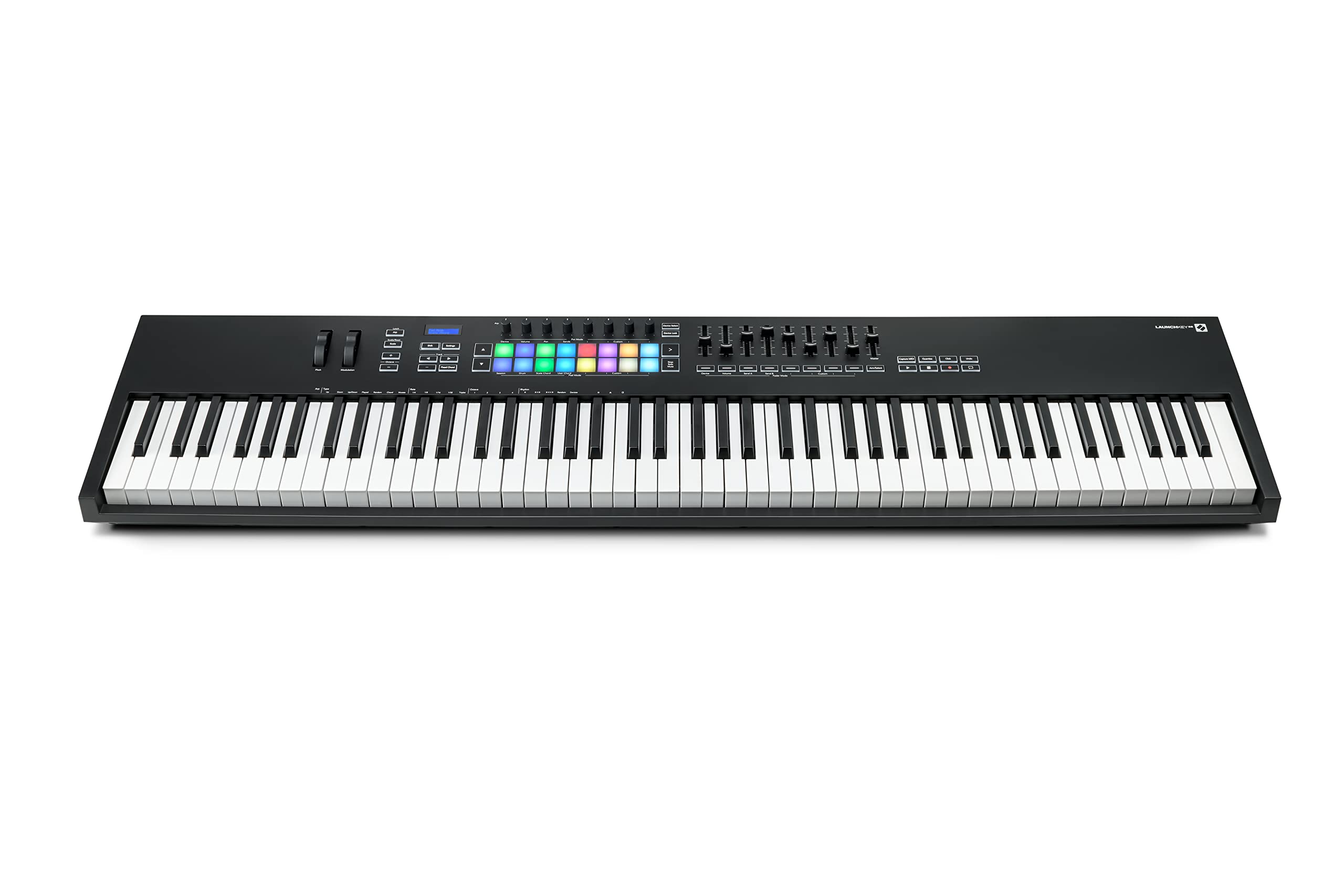
Best 88-Key DAW Workstation

Novation Launchkey 88

92 /100
Sound Score Outstanding

Key details

Keys
88 full-size semi-weighted
Drum Pads
16 velocity pads
Connectivity
USB, MIDI out
DAW / Software
Ableton Live integration
View on Amazon

The Launchkey 88 combines 88 semi-weighted keys with 16 velocity pads, an arpeggiator, and deep DAW control in one board. That places it above the compact 49-key controller in this roundup, which keeps to keys and transport without a pad section.

This fits pianist-producers who live in Ableton Live and want the full keyboard range for playing parts while controlling transport, clip launch, and instruments. The semi-weighted action is not a hammer-action piano replacement, and some piano-trained hands find it plasticky, so players who need graded resistance should regard it as a controller rather than a digital piano.

Pros

  • Substantial keybed and chassis feel built for regular studio use at this price.
  • Deep Ableton/DAW control puts transport, clip launch, and instrument control close at hand.
  • Premium 88-key feature set at a comparatively approachable price.

Cons

  • The default light show can distract in a dim studio until you lower LED intensity and flashing.
Our verdict

This is the fuller-keyboard alternative to compact MIDI controllers for producers who want 88 keys, pads, and Ableton control in a single board.

Check Latest Price
5

Best Dedicated DAW Control Surface

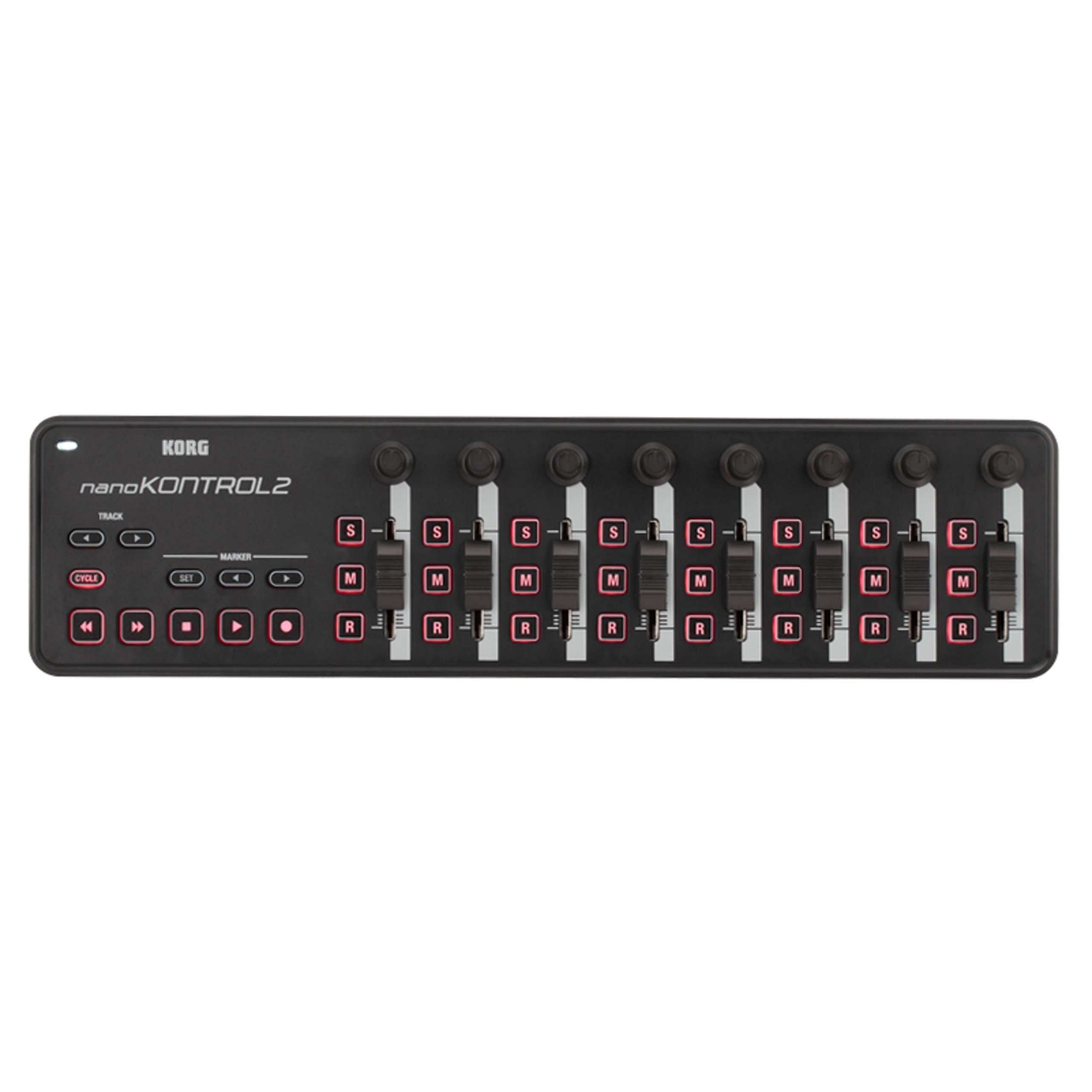
Korg nanoKONTROL2

94 /100
Sound Score Outstanding

Key details

Keys
Drum Pads
Connectivity
USB bus-powered
DAW / Software
Logic, Pro Tools, Ableton
View on Amazon

Eight channel faders, eight assignable knobs, and transport buttons arrive in a slim bus-powered desktop unit that fits beside a laptop without stealing desk space. This layout suits hands-on mixing in Logic, Pro Tools, or Ableton, giving desktop producers a physical mixer-style surface for level rides and plugin tweaks.

Its natural home is a compact live setup with Ableton or Logic, or a second controller beside a MIDI keyboard. This is not a keyboard or drum-pad controller, so note entry and beat making happen elsewhere. Some DAWs need a one-time manual MIDI assignment before the faders and buttons respond, which matters if you expect plug-and-play from every app.

💡 Map the faders and knobs once in each DAW, and they will mirror a standard mixer layout for later sessions.

Pros

  • Eight faders and eight knobs give hands-on mix and plugin control without crowding the desk.
  • Works cleanly with Logic, Pro Tools, and Ableton for hands-on mixing.
  • Low-priced way to add a physical fader bank and transport to a desktop studio.

Cons

  • Some DAWs require a one-time manual MIDI mapping pass before faders and buttons respond.
Our verdict

For producers with an existing keyboard, this is the budget-friendly way to add a physical fader bank and transport controls to the desk.

Check Latest Price
6

Best for Native Instruments Ecosystem

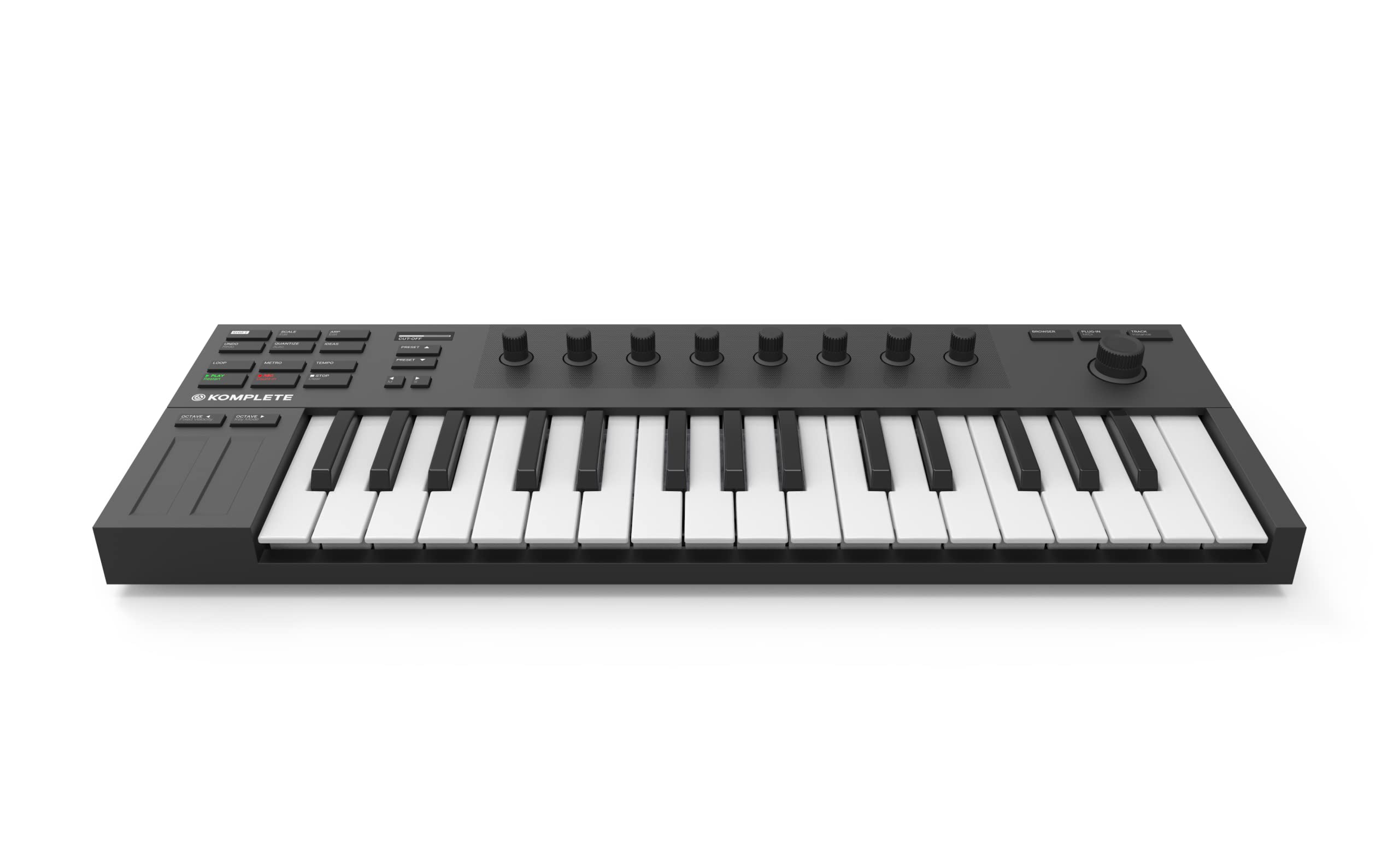
NI Komplete Kontrol M32

92 /100
Sound Score Outstanding

Key details

Keys
32 compact velocity-sensitive
Drum Pads
Connectivity
USB
DAW / Software
Komplete, Live Lite
View on Amazon

The M32 is the rare compact keyboard built around Komplete rather than generic DAW control. Its 32-key bed feels more playable than its size suggests, the eight touch encoders and OLED screen reduce menu diving in NI plugins, and the bundled Komplete instruments make it a self-contained starting point.

This is aimed at producers who work inside Native Instruments or Maschine, where the NKS link turns plugin browsing and parameter tweaking into a hands-on experience. Its value depends heavily on Native Instruments software, and players expecting full-size keys should treat the 32-key compact bed as a space-saving compromise.

💡 Use the Komplete Kontrol browser to get the most out of the OLED and encoders.

Pros

  • Compact body feels solid enough for regular studio and travel use.
  • Bundled Komplete instruments and tight NI integration make the price easy to justify.
  • The 32-key bed is compact but playable enough for melodic ideas and chord work.

Cons

  • Deep DAW control outside Native Instruments can require extra mapping; the M32 favors NI/Komplete workflows.
Our verdict

Best for the producer whose go-to sounds live in Komplete or Maschine; the M32 turns that library into a tactile instrument.

Check Latest Price
7

Compact All-Rounder

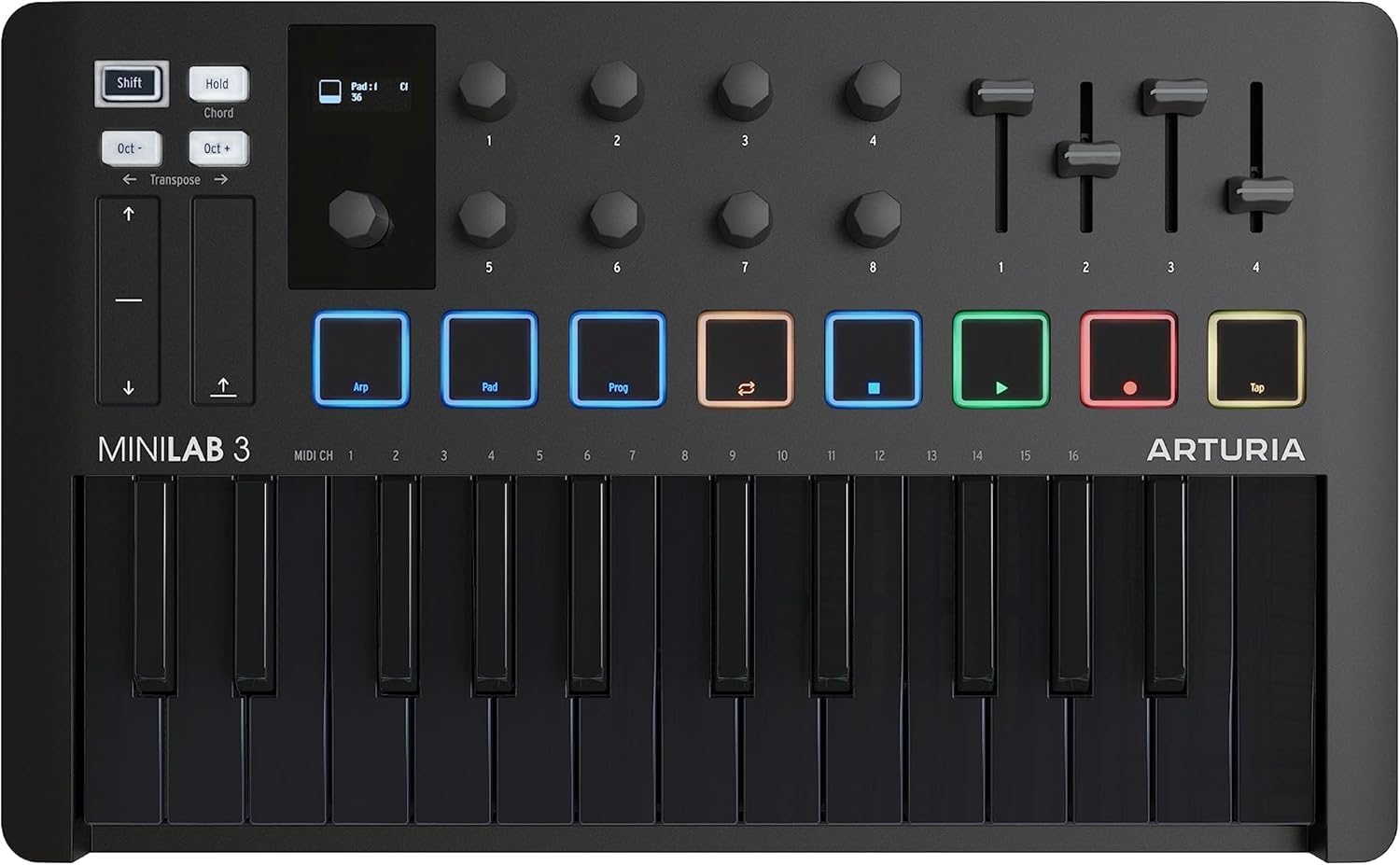
Arturia MiniLab 3

94 /100
Sound Score Outstanding

Key details

Keys
25 velocity-sensitive
Drum Pads
8 pads
Connectivity
USB
DAW / Software
View on Amazon

The MiniLab 3 gives you 25 velocity keys, eight pads, and four faders in a compact universal controller for beat making and DAW mixing. It brings faders to the 25-key formula, but its owner history is still shorter than the category-leading compact, so risk-averse buyers may look higher.

Pros

  • Four faders add hands-on mixer control to a 25-key body that stays portable.
  • Eight velocity-sensing pads support beat-making and clip launching in a travel-ready shell.

Cons

  • The 25-key span runs out quickly for two-hand piano parts, so keyboardists may need a larger controller.
Our verdict

Fits the buyer already looking at the 25-key class and wanting the extra fader row.

Check Latest Price
8

Budget Keyboard Players

Nektar SE49

89 /100
Sound Score Excellent

Key details

Keys
49 full-size velocity-sensitive
Drum Pads
Connectivity
USB
DAW / Software
Bitwig 8-track
View on Amazon

The SE49 delivers 49 full-size velocity keys, Nektar DAW integration, and Bitwig 8-track at a budget-friendly price, with a solid feel that suits piano-style players. It prioritizes keyboard input over extra controls, so finger drummers and mixing-heavy producers will want a different layout. That focus makes it a smart budget option for keyboard-first work.

Pros

  • Full-size keys, Nektar DAW integration, and bundled Bitwig 8-track deliver strong value for budget buyers.
  • Build quality and key feel are better than expected at this price.

Cons

  • Input lag can appear in timing-sensitive recording; simple note entry is less affected.
Our verdict

For keyboard-first songwriters and producers on a budget, this is a cost-effective fit.

Check Latest Price
9

Auto-Mapping DAW

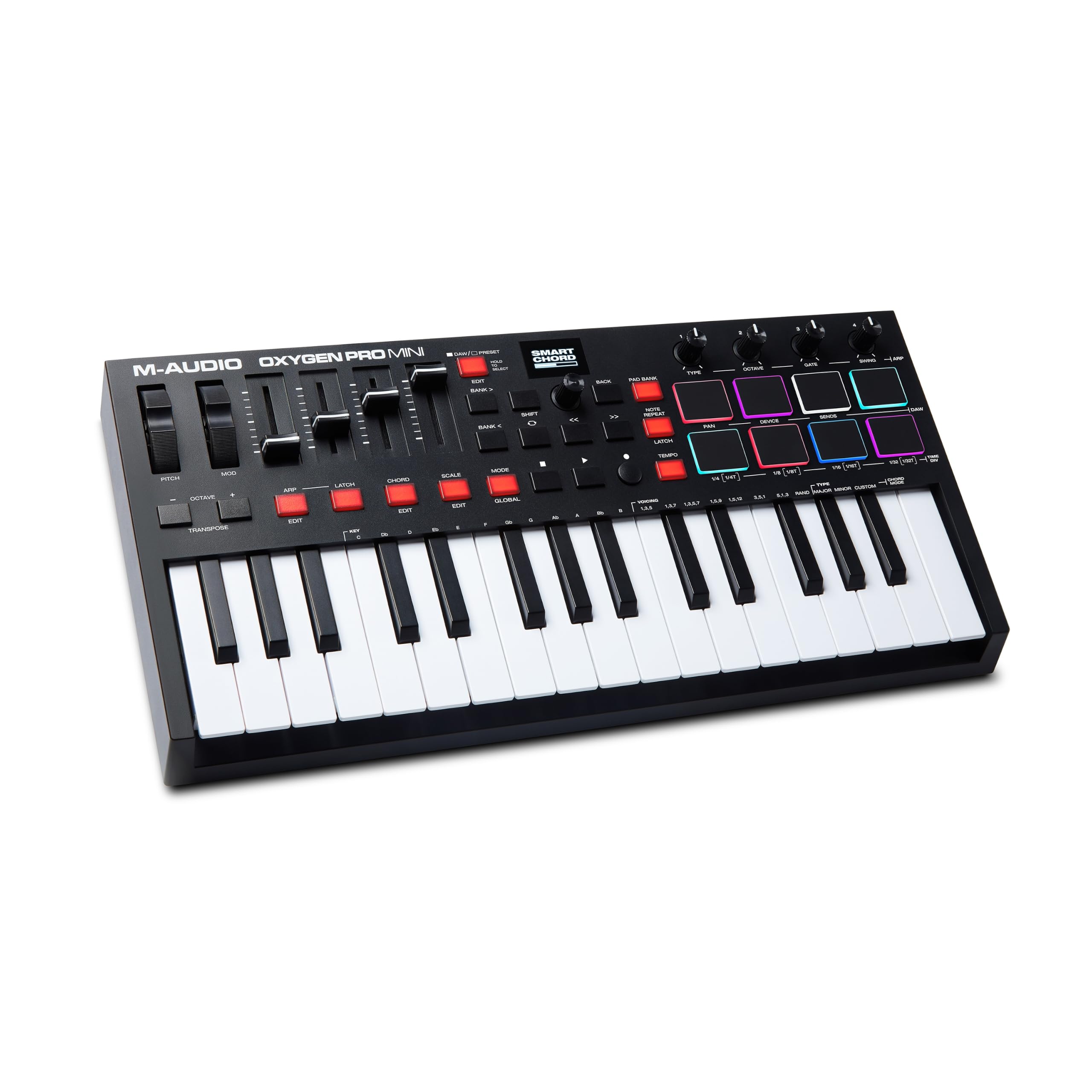
M-Audio Oxygen Pro Mini

89 /100
Sound Score Excellent

Key details

Keys
32 mini velocity-sensitive
Drum Pads
8 RGB pads
Connectivity
USB, MIDI out
DAW / Software
Auto-mapping, NKS
View on Amazon

Auto-mapped DAW/plugin control in a compact 32-key body with pads, knobs, faders, and NKS support gives small-desk producers hands-on over their software. Higher QC variance than class leaders means a unit may arrive with a stuck key or dead button, and software setup can be convoluted. That tradeoff is acceptable for budget-conscious producers wanting dense control in a tiny footprint.

Pros

  • Dense control set with 8 pads, 4 knobs, 4 faders, and an OLED readout fits well on a small desk.
  • Auto-mapping and MIDI out streamline DAW integration and hardware synth hookup without manual mapping.

Cons

  • Individual units can arrive with a stuck key or unresponsive button; checking soon after arrival is worth doing.
Our verdict

If you need auto-mapped plugin control on a cramped desk and are willing to inspect the unit on arrival, this packs a lot of control for a mid-range price.

Check Latest Price

How to Choose

Key Count and Key Size

Mini keys make a controller portable, but they shorten the physical lever under each finger. That means less precise velocity control and a cramped span for full chords. A 25-key board can handle bass lines and lead parts, yet keyboard-heavy players usually feel the limit within a few sessions.

Full-size keys take up more space but keep the same geometry as a real piano. If you play two-handed parts or use a 49-key controller as your primary instrument, the extra footprint is worth it. For travel, a mini 25-key board is still the practical choice.

Drum Pads and Velocity Sensitivity

Pad sensitivity is determined by the sensor under the pad, not the colored surface. Entry-level single-zone pads respond only to overall force, which can make ghost notes either miss or double-trigger. Look for multi-zone or velocity-curve adjustments if finger drumming is your main workflow.

DAW Integration and Bundled Software

The bundled DAW and instruments are a convenience, not the product. Most downloads require account registration and can take longer than the hardware itself to set up. What matters is whether the controller maps transport, clip launch, and plugin parameters to your DAW without manual tweaking.

Physical Controls

Knobs and faders are only as useful as their MIDI assignments. Budget controllers often send fixed CC values, so a knob may control the wrong plugin parameter until you dig into a preset editor. If you plan to automate filters or adjust levels, make sure the controls are assignable.

Connectivity

Computer-only producers can get by with USB. MIDI I/O and CV/Gate become necessary when you own hardware synths, drum machines, or modular gear, because they let the controller send note and control data without a DAW in the chain. Extra ports raise the price, so only pay for what your setup uses.

Frequently Asked Questions