9 Best Recording Microphone of 2026: Match Your Room, Not Just Specs

The best recording microphone for your room, voice, and setup — because the right choice depends on noise, connectivity, and how you create.

The phrase 'studio quality' gets attached to nearly every desktop mic, but what separates a good recording from a frustrating one is usually the room, not the capsule. A sensitive condenser will pick up keyboard clicks, fans, and echo in an untreated space. A dynamic mic with stronger rejection handles that same room better, yet may sound less detailed on a quiet voice.

Connectivity is the second fork. A USB mic plugs straight into a laptop; an XLR mic needs an interface and often a stand or cable. There is also a trade-off inside USB mics between proven simplicity and streamer-focused DSP: anti-clip and software effects add polish, but they also add a layer of software to manage. Hybrid USB/XLR models offer a path forward, though digital features may disappear when you switch to XLR.

This guide sorts mics by that fit: room type, interface, and use case, so you can buy for the space you have and the workflow you already run.

About the Sound Score: This comparative score is calculated from a product's published customer rating and review volume. It is not a laboratory measurement or a hands-on test result.

1

Best Overall USB Microphone
Blue Yeti USB Mic

93 /100
Sound Score Outstanding

Key details

Pickup Type
Condenser
Connectivity
USB
Polar Pattern
Cardioid, omni, bidirectional, stereo
Onboard Controls
Mute, gain, headphone monitoring
View on Amazon

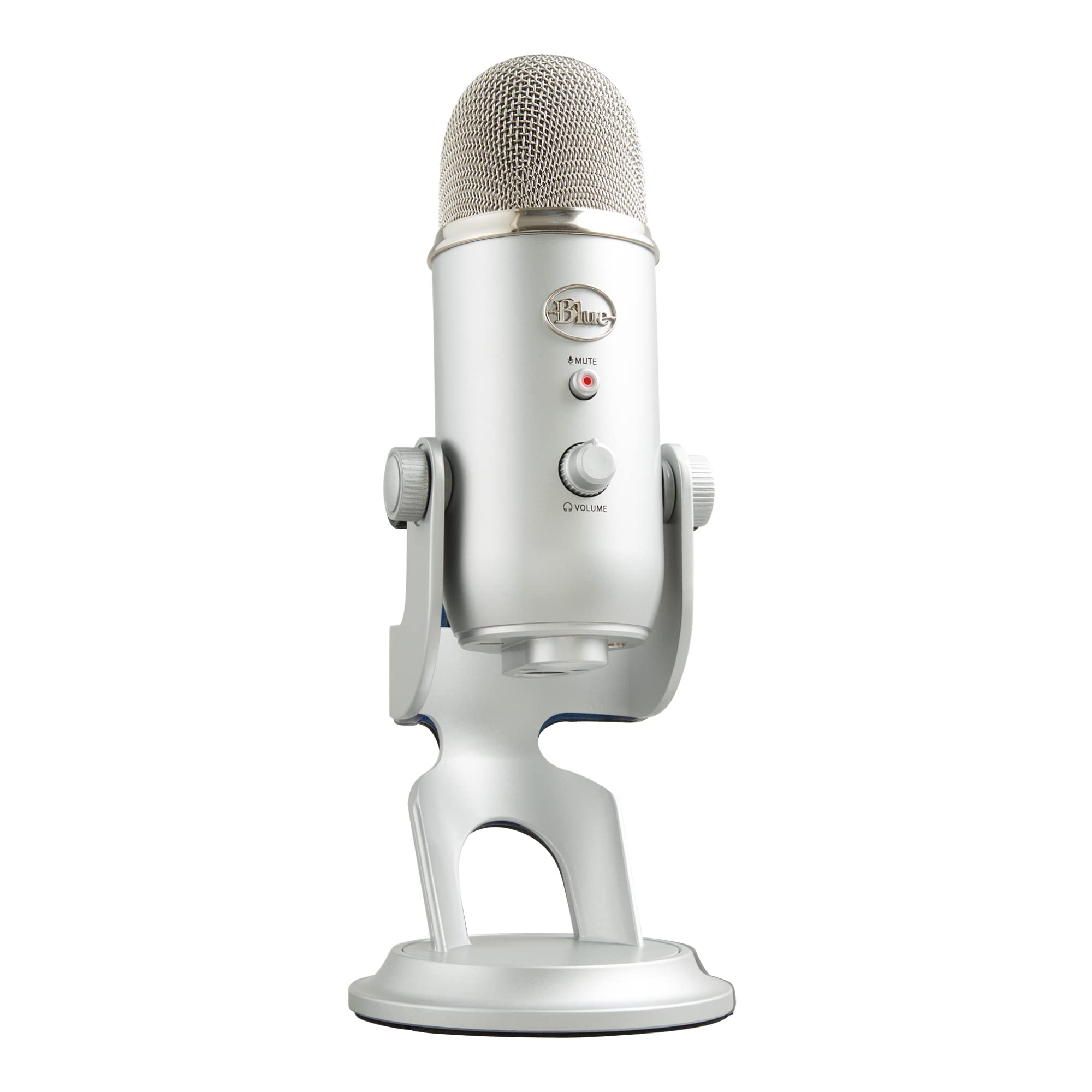
The Blue Yeti USB Mic captures clean, studio-oriented voice on podcast, stream, and video calls. Its four pickup patterns cover solo speech, two-person interviews, and room-style capture, while the heavy all-metal body and USB connection make it a stable centerpiece for a home recording desk. No audio interface or extra driver is needed, which removes a setup hurdle for first-time creators. At a mid-range price, the package covers what would otherwise require an interface or multiple mics.

On a desk, the Yeti's weight keeps it planted without a shock mount; the gain dial and headphone jack make level checks easy. The cardioid pattern favors close voice work, which is where this mic sounds its best. For two people across a table, the bidirectional pattern captures both sides clearly, so one mic replaces two for a simple interview setup.

First-time podcasters, streamers, YouTube voiceover creators, and remote workers who want one USB mic for solo and multi-person sessions are the natural audience. Condenser room sensitivity means keeping gain low and softening echo matters; in untreated, noisy rooms a dynamic mic is the better fit.

💡 Set gain to about half and speak close to the capsule for clean voice pickup.

Pros

  • Clear studio-style capture for podcasting, voiceover, stream vocals, and remote calls, with a sound that suits spoken-word content.
  • Heavy all-metal shell keeps the mic planted on a stand or desk during busy studio sessions.
  • Plug-and-play USB setup works with computers and tablets without needing an audio interface or mixer.

Cons

  • Mute LED and stiff knobs can slow quick level adjustments during a live broadcast or stream.
  • In an untreated room, the condenser can pick up keyboard clicks, fans, and echo unless gain is kept low.
Our verdict

The Blue Yeti is the spoken-word USB mic to beat for home podcasters and streamers.

Check Latest Price
2

Best USB Mic with DSP & Anti-Clip

Elgato Wave:3

95 /100
Sound Score Outstanding

Key details

Pickup Type
Condenser
Connectivity
USB-C
Polar Pattern
Supercardioid
Onboard Controls
Headphone jack
View on Amazon

Wave:3 delivers XLR-like vocal clarity from a USB-C connection while Clipguard 2.0 catches sudden volume spikes before they distort. Auto Gain sets levels automatically, and Wave Link software adds channel routing and DSP effects that other USB mics skip. This focus on voice processing sets it apart from the general-purpose multipattern USB condenser at the top of this list.

This is for podcasters and streamers who want broadcast polish from a single USB mic and are comfortable living inside Wave Link's software. If you prefer zero software dependence or already own an XLR interface, another approach makes more sense. Occasional USB cutouts and software quirks are part of the tradeoff, though the anti-clip protection is worth the adjustment for live streaming.

💡 Keep Wave Link open for the full DSP routing; closing it bypasses the virtual channel effects.

Pros

  • Captures voice with XLR-like clarity over a simple USB-C connection.
  • Wave Link software adds routing, EQ, and DSP effects that keep streams sounding polished.
  • Setup is quick and the desktop body feels sturdy under regular use.

Cons

  • Wave Link software can be finicky, with occasional audio routing hiccups during app changes.
  • USB connection can cut out mid-session in some cases, requiring a replug.
Our verdict

This is the USB mic to pick when your priority is processed voice output for streaming and podcasting. The top pick is a safer all-rounder; Wave:3 owns the DSP-driven single-mic setup.

Check Latest Price
3

Best Budget XLR Condenser

AT2020

95 /100
Sound Score Outstanding

Key details

Pickup Type
Condenser
Connectivity
XLR
Polar Pattern
Cardioid
Onboard Controls
None
View on Amazon

The AT2020 pairs a low-mass diaphragm with high SPL handling, delivering clear, present capture for home studio vocals and especially acoustic instruments at a mid-range price. Its cardioid pattern also keeps the recording focused on the source, which suits single-voice podcast and voiceover work. Loud vocal peaks and acoustic guitar transients stay controlled without obvious distortion.

This fits home studio vocalists and budget podcasters who already own an interface and phantom power; the rest of the XLR chain is up to you. For those setups, the AT2020 is a low-cost route to studio-grade vocal character.

💡 Start with low gain and a close mic position for clean voice takes.

Pros

  • Clear, near-professional capture for home studio vocals and acoustic guitars.
  • Budget-friendly entry into XLR condenser recording with a solid metal body.
  • Cardioid pattern suits podcasting and acoustic recording.

Cons

  • No cable, stand, or pop filter is included, so first-time XLR buyers need extra purchases.
  • In untreated rooms, background noise and echo can color the recording.
Our verdict

The AT2020 is a budget XLR reference that keeps its place in a home studio long after the purchase.

Check Latest Price
4

Best Budget USB Kit

FIFINE T669

93 /100
Sound Score Outstanding

Key details

Pickup Type
Condenser
Connectivity
USB
Polar Pattern
Cardioid
Onboard Controls
Mute, gain
View on Amazon

The T669 arrives as a full desktop kit: boom arm, shock mount, pop filter, and USB cable in the box. Setup is plug-and-play — connect the USB cable and start recording, which is what first-time podcasters and streamers need from a first microphone. The top pick offers more pattern flexibility, but this bundle is a complete starter package.

Best suited to a beginner podcaster or gamer who wants one purchase and a quiet-ish room; the bundled arm and condenser sensitivity are the main setup variables. This is a starter bundle, not a broadcast or heavy-noise-room solution.

💡 Tighten the arm's knobs after setup; a quick re-check before longer sessions keeps the position stable.

Pros

  • Complete desktop kit with boom arm, shock mount, pop filter, and USB cable
  • Plug-and-play USB setup gets new streamers recording without extra gear
  • Budget-friendly price delivers clear capture for streaming and gaming

Cons

  • Bundled boom arm tension can be inconsistent, so desk positioning may need extra adjustment.
  • Condenser sensitivity means keyboard clicks and room noise can show up in untreated spaces.
Our verdict

A sensible all-in-one first USB microphone when the room is fairly quiet and you want the desk accessories included.

Check Latest Price
5

Best Instrument & Source Recording Mic

Shure SM57

96 /100
Sound Score Outstanding

Key details

Pickup Type
Dynamic
Connectivity
XLR
Polar Pattern
Cardioid
Onboard Controls
None
View on Amazon

The SM57 handles close-miked guitar amps and snare drums without strain, and it is a capable choice for close-miked spoken word. High SPL handling and the pneumatic shock mount let it take loud sources that would distort a condenser, while the cardioid pattern keeps room tone out in close position. It is XLR-only and not a plug-and-play USB podcasting mic; its vocal character is workmanlike rather than flattering. For home studios centered on instruments and narration, this is a long-term workhorse that keeps working when cheaper condensers are replaced. This is a tool, not a complete desktop setup.

Pros

  • High SPL handling lets you close-mic guitar amps and snare drums without straining the capsule.
  • Rugged build and pneumatic shock mount hold up through years of studio and stage use.
  • Cardioid rejection keeps room ambience out when you work close to the source.

Cons

  • No cable, stand, or interface in the box; plan for those purchases.
Our verdict

For musicians, this is the mic that becomes the default for amp and snare sessions.

Check Latest Price
6

Best Budget Dynamic Hybrid

FIFINE AM8

91 /100
Sound Score Outstanding

Key details

Pickup Type
Dynamic
Connectivity
USB, XLR
Polar Pattern
Cardioid
Onboard Controls
Mute, gain, headphone jack
View on Amazon

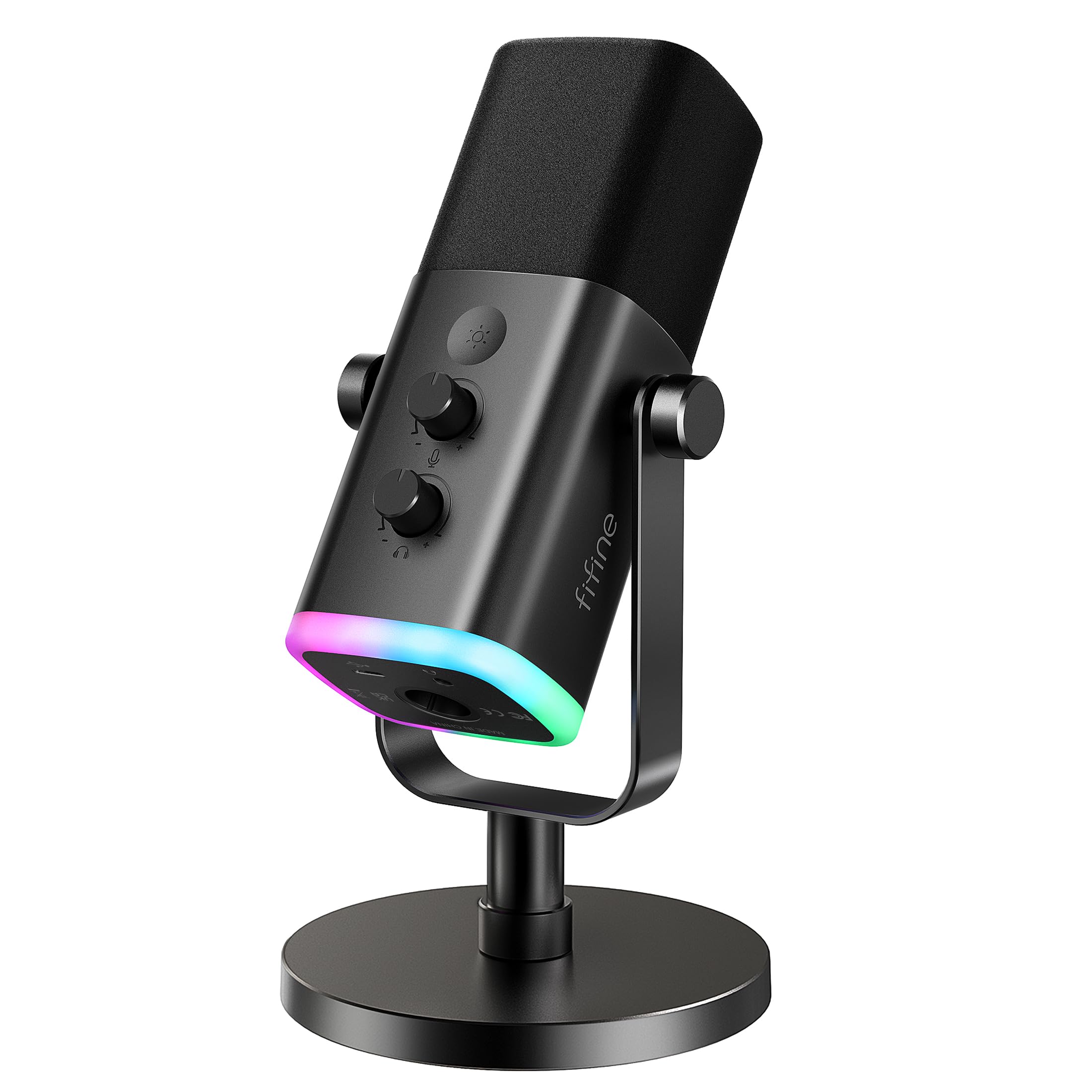
The AM8's dynamic capsule keeps keyboard clatter and room echo out of the recording, and USB mode connects straight to a computer with no interface. That makes it a practical middle ground between budget condenser bundles and pricier XLR dynamic mics: you get dynamic noise rejection now and an obvious XLR path later.

It suits noisy-room streamers, beginner podcasters, and home creators who want an XLR path without buying an interface today. Occasional static, crackle, or audio drops can appear on some units, so listen for odd audio artifacts while the mic is still in the return window.

💡 When you move to XLR, let your interface handle gain; the desktop RGB and controls stay USB-side.

Pros

  • Dynamic capsule rejects room noise and keyboard clatter better than budget USB condensers.
  • USB mode needs no interface, and XLR opens an upgrade path for later.
  • Budget-friendly price for a dynamic hybrid that suits noisy rooms.

Cons

  • XLR mode disables the RGB ring and onboard controls, and the XLR cable is not included.
Our verdict

For a noisy-room gamer or first-time podcaster, the AM8 leaves a clear path from USB convenience to XLR without locking you into either setup.

Check Latest Price
7

Podcast, Broadcast Vocals

Shure SM7B

96 /100
Sound Score Outstanding

Key details

Pickup Type
Dynamic
Connectivity
XLR
Polar Pattern
Cardioid
Onboard Controls
None
View on Amazon

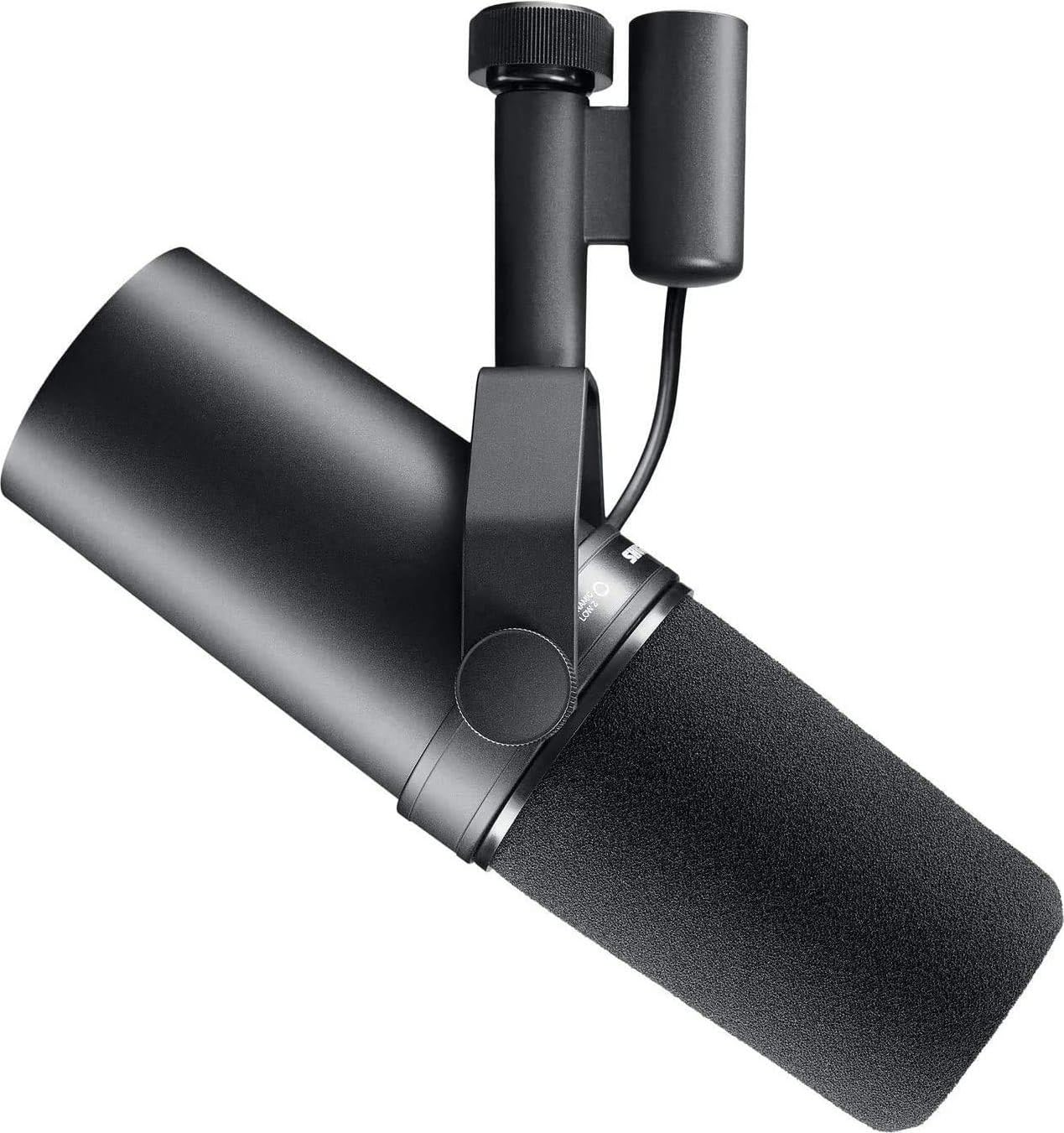
The SM7B's warm dynamic voice and strong background-noise rejection make it a benchmark for podcast and broadcast vocals in untreated rooms. The catch is setup: this XLR microphone needs a high-gain interface and a premium budget, so USB-first creators should look elsewhere.

Pros

  • Warm dynamic voice flatters spoken-word and broadcast vocals.
  • Strong background-noise rejection suits untreated rooms.

Cons

  • No accessory kit; cable, stand, and a suitable preamp are separate purchases.
Our verdict

This is the right call for serious spoken-word capture in untreated spaces when the full signal chain is already in place.

Check Latest Price
8

USB-To-XLR Upgraders

MAONO A04 Gen2

91 /100
Sound Score Outstanding

Key details

Pickup Type
Condenser
Connectivity
USB, XLR
Polar Pattern
Cardioid
Onboard Controls
None
View on Amazon

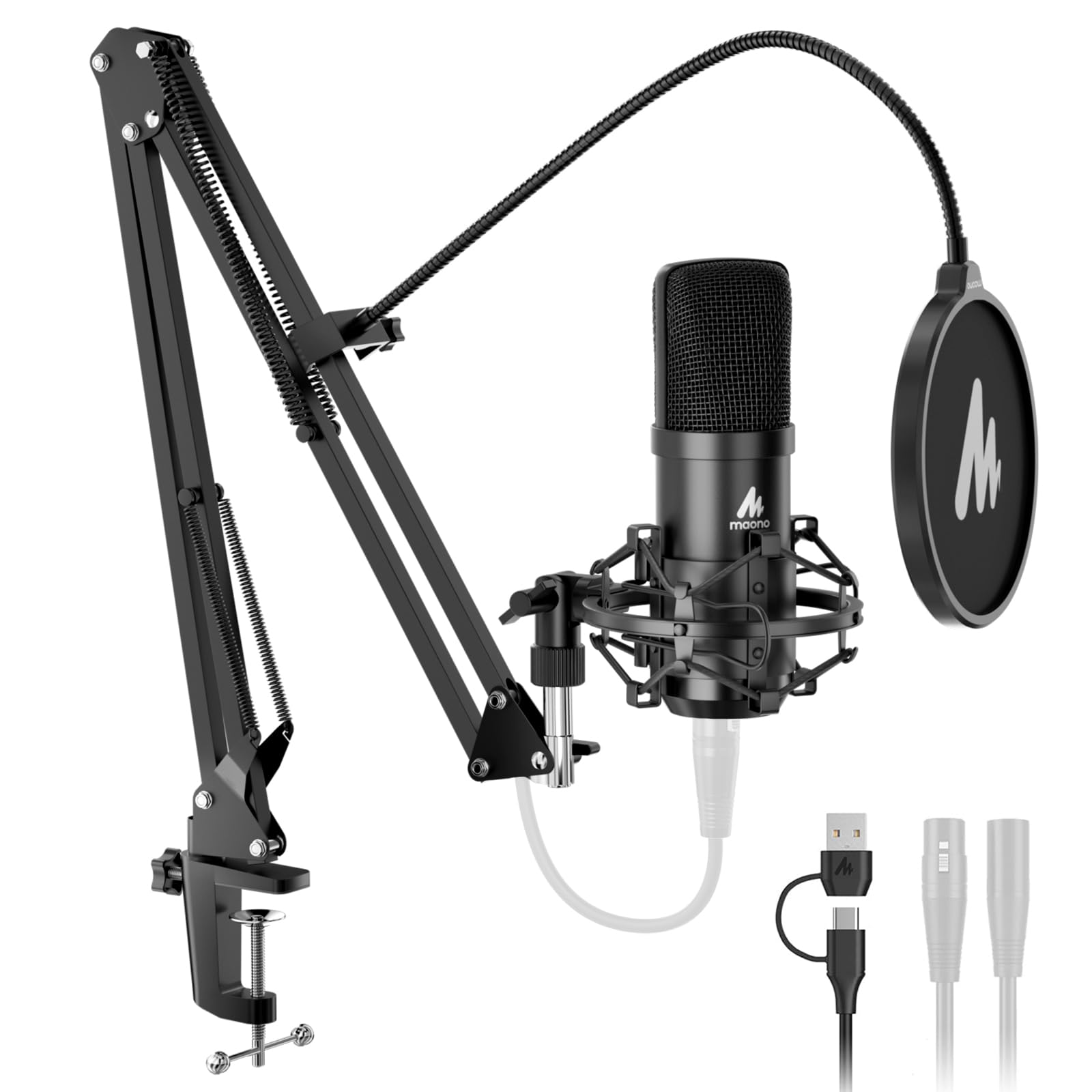
MAONO A04 Gen2 pairs familiar A04 clarity with USB/XLR connectivity and MAONO Link EQ and noise reduction, bridging USB-now and XLR-later setups. The bundled arm, shock mount, and pop filter cover the basics, but the Gen2-specific XLR and software additions are less established than the core A04 capsule, keeping it behind the top pick.

Pros

  • The A04-family clarity and bundle value carry over to the Gen2, so you get a familiar sound with added flexibility.
  • Complete kit includes boom arm, shock mount, and pop filter for a single-purchase setup.

Cons

  • The bundled boom arm can wobble with the shock mount attached, so a sturdier arm may be needed for precise positioning.
Our verdict

Best for creators who want a budget-friendly USB mic now and an XLR option later, provided you swap or stabilize the bundled boom arm.

Check Latest Price
9

Gaming, Discord, Streaming

MAONO DGM20S

93 /100
Sound Score Outstanding

Key details

Pickup Type
Condenser
Connectivity
USB
Polar Pattern
Cardioid
Onboard Controls
Tap mute, noise reduction, monitoring
View on Amazon

The DGM20S offers clear voice pickup, one-key noise reduction, RGB, tap mute, and zero-latency monitoring at a budget price. It suits Discord gamers and streamers who want easy setup and decent voice quality in a noisy room. Occasional audio cutouts are possible, and USB-only connectivity limits studio interface use.

Pros

  • Clear voice pickup for Discord, gaming, and streaming.
  • One-key noise reduction trims background hum in shared rooms.

Cons

  • Bundled arm durability is a concern; it may sag or loosen under heavier positioning.
Our verdict

The DGM20S is a sensible budget pick for gamers and streamers who prioritize monitoring and noise reduction.

Check Latest Price

How to Choose

Connectivity: USB, XLR, or Hybrid

USB mics contain their own analog-to-digital converter and preamp, so they work with any laptop or phone. XLR mics output an analog signal that needs an external interface with a preamp and phantom power where required. That interface is where the extra clarity of an XLR chain is won, but it is also where the extra cost and desk clutter come from.

Hybrid USB/XLR mics promise both, but the dual-mode feature usually means compromises: controls and RGB often disable in XLR mode, and an XLR cable is not always included. If you plan to move to XLR, confirm which features survive the switch.

Pickup Type: Dynamic vs Condenser

Condenser capsules are more sensitive because they use a charged diaphragm that responds to tiny air movements. That detail helps with vocals and acoustic instruments, but it also captures keyboard clicks, fans, and room echo. Dynamic capsules use a moving coil and need more sound pressure, which makes them less sensitive to distant background noise.

For untreated rooms, a dynamic mic is often the more practical choice for spoken word. For a treated home studio or a close-miked acoustic instrument, a condenser's extra detail is worth the room noise it will also capture.

Polar Pattern: Cardioid vs Multipattern

A cardioid pattern picks up sound from the front and rejects sound from the rear, which is enough for a single speaker close to the mic. Multipattern mics add omni, bidirectional, and stereo modes by combining capsules. Omni picks up sound equally from all directions, so it works for roundtable conversation but makes room noise worse.

Most buyers only need cardioid or supercardioid. Multipattern flexibility is useful for two-person interviews or recording an entire room, but it costs more capsule complexity and usually needs more care with gain staging.

Included Accessories: Kits vs Bare Mics

A microphone-only package seems cheaper until you add a cable, stand, shock mount, and pop filter. Budget kits bundle those parts, but the included boom arm is the most common weak point: springs lose tension, clamps slip, and swivels wear out under daily repositioning.

Check whether the bundle's arm is solid enough for your use before treating the kit price as the final cost. If you plan to mount the mic on a dedicated arm anyway, a bare microphone can be the better buy.

Onboard Controls: Mute, Gain, Monitoring

Onboard gain lets you set input level without opening software, and a mute button saves you from scrambling during a live stream. Headphone monitoring with zero latency lets you hear your actual mic signal instead of the delayed mix from software.

The hidden trade-off is that more controls mean more electronics inside the mic, which increases the chance of software or firmware quirks. A simple USB mic with fewer controls is often easier to troubleshoot, while a feature-heavy mic needs its companion app to behave.

Frequently Asked Questions