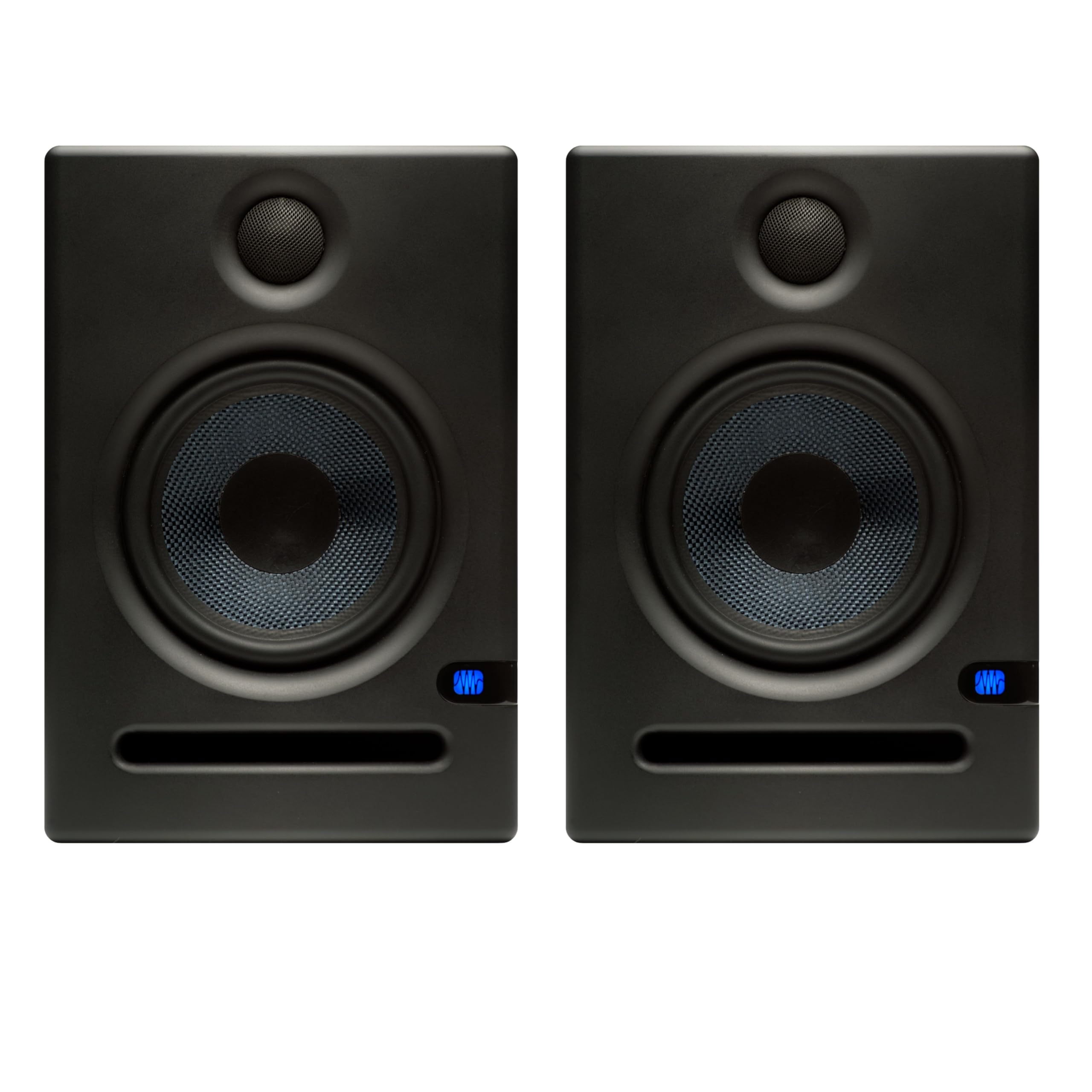
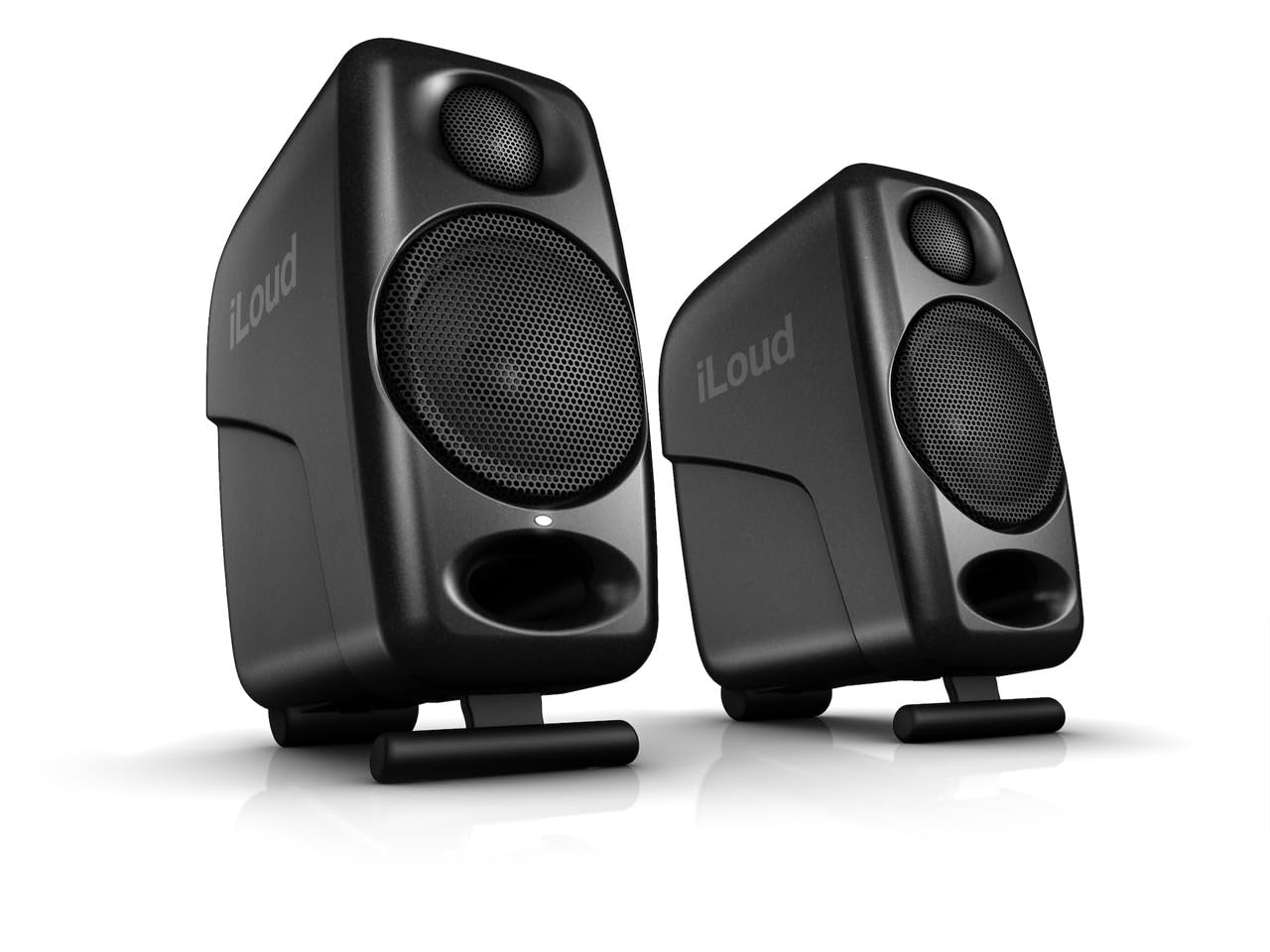
Best Overall

JBL 305P MkII
Key details
- Connectivity
- XLR, TRS
- Woofer & Bass
- 5-inch woofer
- Room/EQ Tuning
- Boundary EQ, HF Trim
- Balanced Inputs
- XLR, TRS
The dual 41W Class-D amplifiers give the JBL 305P MkII enough clean output for near-field mixing, while the 5-inch woofer and Image Control Waveguide keep stereo imaging stable even at close range. The result is a monitor that behaves bigger than its footprint suggests, revealing panning and EQ choices that smaller desktop speakers blur.
Balanced XLR and 1/4-inch TRS inputs provide the clean signal path serious interfaces expect. Boundary EQ and HF Trim handle desk reflections and room gain without external correction, so the speaker adapts to small studio spaces. A rear port stays controlled when boundary tuning is used, which matters on a desk against a wall.
This is the complete 5-inch reference pair for serious home production, not for ultra-tight desks that need compact satellite placement or buyers who want RCA inputs without adapters. The main tradeoff is no interconnect cables included, and quality control can vary between units, so the right buyer budgets for XLR/TRS and does a first-day playback check. If that profile fits, the reward is clearer mix decisions and low-end judgment than budget multimedia monitors provide.
💡 Add a pair of XLR or TRS cables to the same order — the monitors do not ship with interconnects.
Pros
- Wide, stable stereo image and clean midrange make mix decisions easier.
- Balanced XLR/TRS inputs and Boundary EQ fit a serious desktop production setup.
- Mid-range price buys near-field accuracy and headroom that outpaces typical desktop speakers.
Cons
- Balanced XLR or TRS cables are not included, so factor that into setup.
- Unit-to-unit sample variance can produce a muffled driver or low-level hiss on arrival.
The JBL 305P MkII is the right anchor for a desk where mix decisions matter more than multimedia convenience.